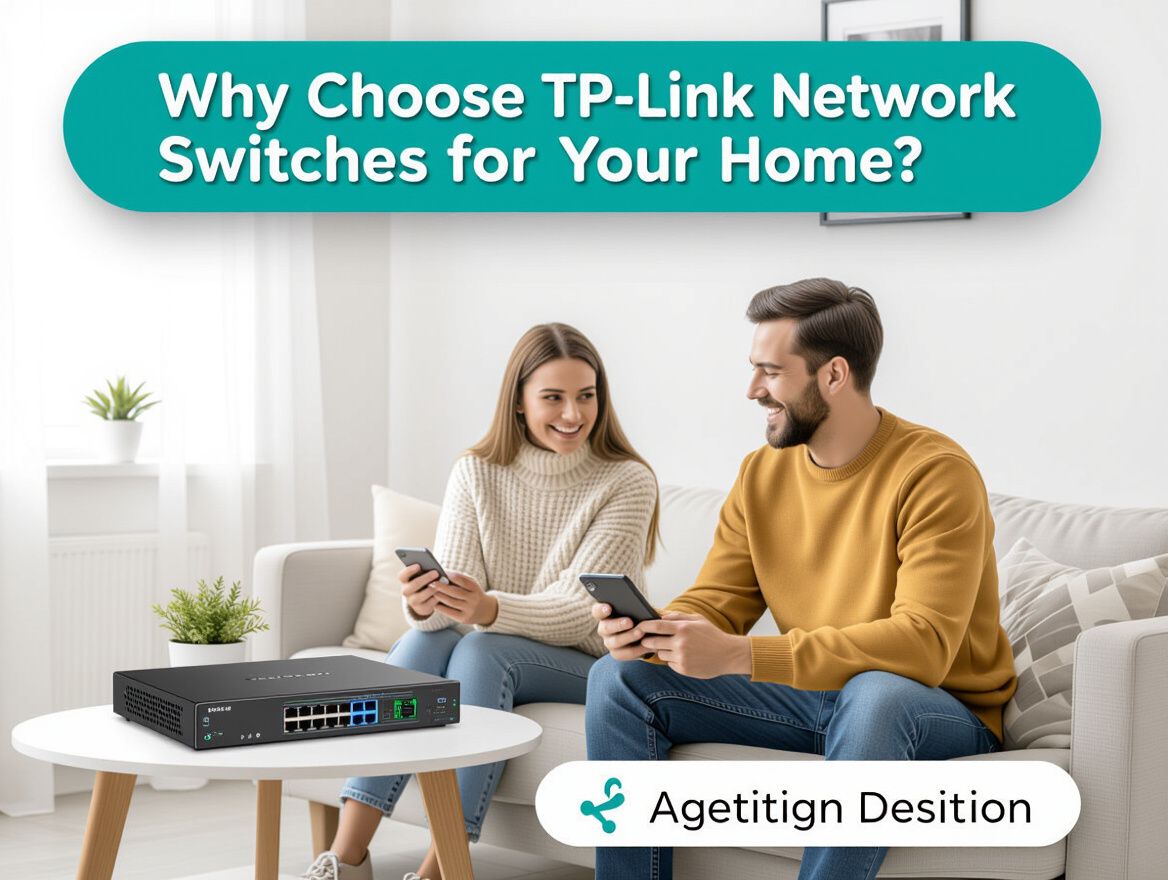
Why Choose TP-Link Network Switches for Your Home?
Understanding Network Switches
A network switch is a crucial device that connects multiple devices within a local area network (LAN), allowing them to communicate efficiently. Unlike a router, which connects different networks, a switch operates at the data link layer (Layer 2) and is responsible for forwarding data packets between devices on the same network.
Using a network switch improves connectivity in your home network by enabling multiple devices, such as computers, printers, and smart home devices, to communicate simultaneously without interference. This is particularly beneficial in households with numerous connected devices, as it helps to manage traffic and reduces latency.
When considering TP-Link network switches, here are some key advantages:
- Affordability: TP-Link offers a range of switches that fit various budgets, making them accessible for home users.
- Ease of Setup: Many TP-Link switches require minimal configuration, which is ideal for users who may not be tech-savvy.
- Variety of Options: From unmanaged to smart-managed switches, TP-Link provides multiple solutions tailored to different networking needs.
Choosing the right network switch involves evaluating your specific requirements, such as the number of devices you need to connect and the desired speed of your network. Understanding these aspects can help you select a TP-Link switch that aligns with your home networking needs.
Key Benefits of TP-Link Network Switches
When considering network switches for home use, TP-Link offers several advantages that appeal to budget-conscious consumers. Understanding these benefits can help you make an informed choice tailored to your specific networking needs.
-
Affordability and Value for Money: TP-Link network switches are known for their competitive pricing, making them an attractive option for home users. They provide reliable performance without the premium cost associated with some other brands. This affordability allows users to enhance their home networks without breaking the bank.
-
Ease of Setup and User-Friendly Features: Many TP-Link switches are designed for simple installation, often requiring no advanced technical knowledge. This ease of use is particularly beneficial for home users who may not be tech-savvy. Features like plug-and-play functionality minimize the need for complex configurations, allowing for quick deployment.
-
Range of Models Catering to Different Needs: TP-Link offers a diverse lineup of switches, including unmanaged, smart-managed, and managed options. This variety ensures that users can find a model that fits their specific requirements, whether they need basic connectivity for a few devices or more advanced features for a larger network setup.
While TP-Link provides many advantages, it's important to consider potential trade-offs, such as varying performance levels across different models and reported issues like overheating in some cases. Assessing your specific needs and understanding these factors will help you select the right TP-Link switch for your home network.
Buying Criteria for TP-Link Network Switches
When selecting a TP-Link network switch for your home, consider the following criteria to ensure it meets your specific networking needs:
-
Number of Ports Required: Assess how many devices you plan to connect. TP-Link offers switches with various port counts, from 5 to 48 ports, accommodating both small and larger network setups.
-
Managed vs. Unmanaged Options: Determine whether you need a managed switch, which provides advanced features like VLAN support and traffic management, or an unmanaged switch, which is simpler and ideal for basic setups. Managed switches are generally more expensive and complex but offer greater control.
-
Power over Ethernet (PoE) Capabilities: If you plan to power devices such as IP cameras, VoIP phones, or wireless access points through the switch, look for models that support PoE. TP-Link switches with PoE can simplify your setup by reducing the need for additional power sources.
-
Speed and Performance Specifications: Evaluate the speed requirements of your network. Most TP-Link switches support Gigabit Ethernet, which is suitable for high-speed internet and streaming. For future-proofing, consider switches that support multi-gigabit speeds if you anticipate upgrading your network.
By carefully evaluating these factors, you can select a TP-Link network switch that aligns with your home networking requirements, ensuring reliable and efficient connectivity.
Trade-offs and Considerations
When selecting TP-Link network switches for your home, it’s important to weigh potential downsides and limitations alongside their benefits. Understanding these trade-offs can help you make an informed decision.
-
Overheating Issues: Some users have reported that specific TP-Link models tend to overheat, especially in environments with limited airflow. This can affect performance and longevity, so consider the placement of the switch in your network setup.
-
Firmware Bugs: Instances of firmware bugs have been noted, which can lead to connectivity issues or reduced functionality. Regular updates are crucial, but if you’re not comfortable managing firmware, this could be a concern.
-
Limited Advanced Features: While TP-Link offers a variety of models, their more budget-friendly options may lack advanced features found in higher-end switches. If you need capabilities like VLAN support or advanced traffic management, evaluate whether a basic model will meet your future needs.
-
Scalability Considerations: For small home networks, TP-Link switches are often sufficient. However, if you anticipate rapid expansion or a need for higher performance down the line, ensure the model you choose can accommodate those demands without requiring a complete replacement.
-
Specific Usage Scenarios: TP-Link may not be the best fit for environments that require robust enterprise features or where high traffic is expected. Be mindful of your network’s demands and whether TP-Link’s offerings align with those needs.
By considering these factors, you can better assess whether TP-Link network switches align with your home networking requirements.
Frequently Asked Questions
When considering TP-Link network switches for your home, prospective buyers often have specific questions. Here are answers to some of the most common queries that can help guide your decision-making process.
What problems do TP-Link switches solve compared to alternatives?
TP-Link network switches are designed to address several common networking issues that home users face. They excel in the following areas:
- Affordability: TP-Link often provides budget-friendly options compared to other brands, making them an attractive choice for cost-conscious consumers.
- User-Friendly Setup: Many TP-Link models require little to no configuration, simplifying the setup process for users who may not have extensive technical knowledge.
- Diverse Product Range: From unmanaged to smart-managed switches, TP-Link offers various models that cater to different home networking needs, ensuring a suitable option for most users.
While alternatives may offer advanced features, TP-Link's focus on reliability and ease of use is particularly beneficial for home environments where simplicity and cost-effectiveness are priorities.
How do I choose the right model for my needs?
Selecting the appropriate TP-Link network switch involves assessing your specific requirements. Consider the following criteria:
- Number of Devices: Determine how many devices you plan to connect. For small households, a basic unmanaged switch may suffice, while larger networks may benefit from managed options that allow for more control.
- Network Speed Requirements: Evaluate your internet speed and the bandwidth needs of your devices. Ensure the switch supports the necessary speeds to avoid bottlenecks.
- Future Expansion: Think about potential future needs. If you anticipate adding more devices, choose a switch with extra ports to accommodate growth.
By reflecting on these factors, you can make an informed decision that aligns with your home networking needs, ensuring that the TP-Link switch you select will effectively support your setup.
Making the Right Choice
When selecting a TP-Link network switch for your home, it's essential to weigh the benefits against your specific needs. TP-Link switches stand out for their affordability, ease of use, and variety of options that cater to different home networking scenarios. However, understanding the trade-offs and considerations is equally crucial for making an informed decision.
Key Benefits Recap:
- Affordability: TP-Link provides budget-friendly options without compromising essential features.
- Ease of Setup: Many models require little to no configuration, making them user-friendly for novices.
- Diverse Range: Options include unmanaged, smart-managed, and managed switches, allowing you to choose based on your technical comfort and requirements.
Considerations:
- Device Count: Assess how many devices you plan to connect. Larger households might need switches with more ports.
- Network Speed: Consider the speed requirements of your devices. Ensure the switch supports the necessary bandwidth.
- Future Scalability: Think about potential future needs. A switch that allows for expansion can save you from needing to upgrade soon.
Encouragement for Evaluation:
Before making a purchase, reflect on your home network's current and future needs. Take into account your budget, the complexity of setup you're comfortable with, and how many devices will be connected to the network. By carefully evaluating these factors, you can confidently choose a TP-Link network switch that aligns with your home networking objectives.