Netgear Network Switches: Are They Worth the Investment?
Understanding Network Switches and Their Importance
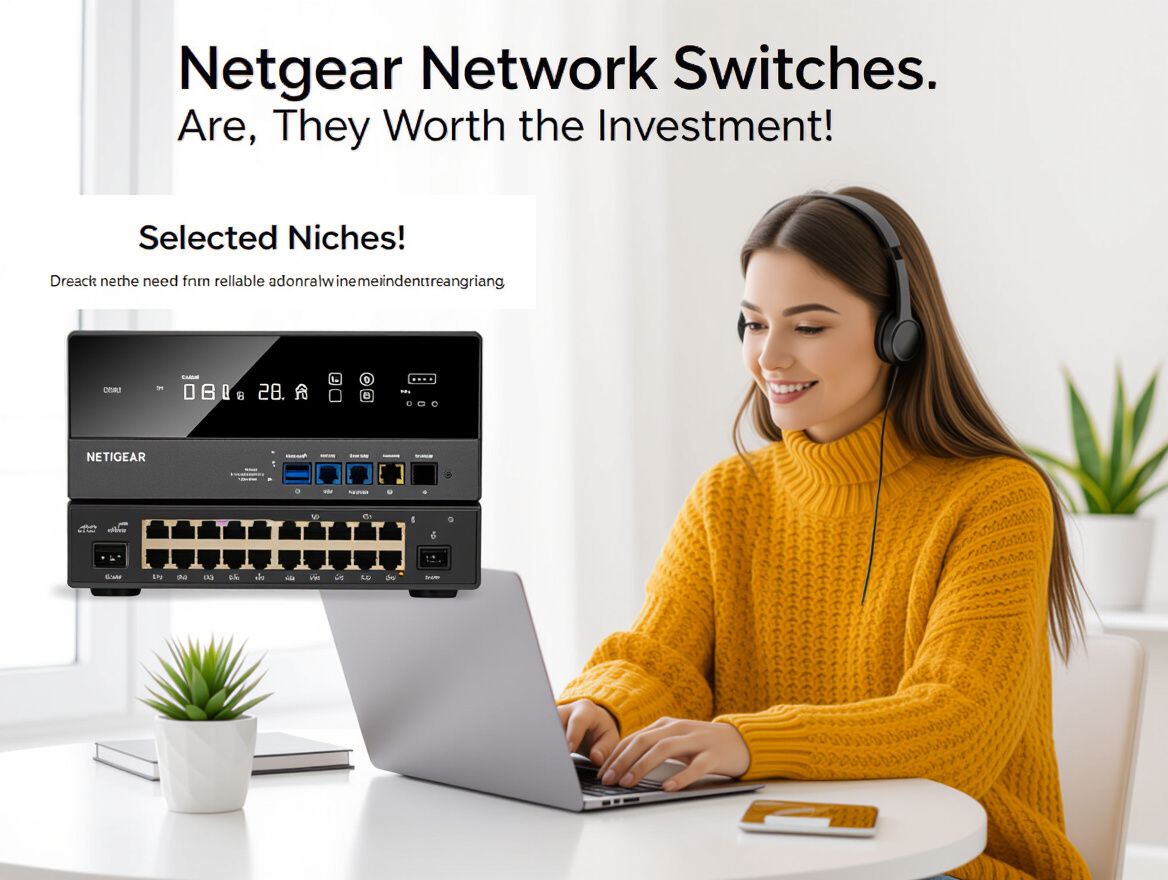
Network switches are essential devices that enhance connectivity within both home and business environments. They function as a central hub, allowing multiple devices—such as computers, printers, and servers—to communicate with each other efficiently. By directing data packets between devices, switches help optimize network performance, increase bandwidth, and reduce congestion, which is especially important in settings with high data traffic.
In home networks, a switch can facilitate seamless streaming, gaming, and general internet usage by connecting multiple devices without sacrificing speed. For businesses, the role is even more critical; switches can support complex operations and ensure reliable connections for numerous users and devices, enhancing overall productivity.
Netgear has established itself as a reliable brand in the network switch market, offering a variety of models tailored to different needs. Their products range from unmanaged switches, which are simple to set up and operate, to more advanced managed switches that provide greater control and flexibility. This diversity allows consumers and businesses to select switches that best fit their specific requirements, whether they prioritize ease of use or advanced features.
Key Factors to Consider When Buying Netgear Network Switches
Investing in Netgear network switches requires careful consideration of several key factors to ensure they meet your connectivity needs. Below is a checklist to help guide your decision-making process:
-
Port Count and Types:
- Determine how many devices will connect to the switch. Netgear offers options ranging from small 5-port switches to larger models with 48 ports.
- Choose between managed and unmanaged switches based on your need for control and configuration. Managed switches provide advanced features such as VLAN support and traffic management, while unmanaged switches offer simplicity.
-
Power over Ethernet (PoE) Capabilities:
- Evaluate if you need PoE features to power devices like IP cameras and access points directly through the Ethernet cable. Netgear's PoE switches can simplify wiring and reduce the need for additional power adapters.
-
Performance Metrics:
- Look for specifications such as speed (Gigabit vs. Fast Ethernet) and bandwidth to ensure the switch can handle your network's demands. Netgear models often support high-speed data transfer, which is critical for businesses with heavy data usage.
-
Reliability and Warranty Considerations:
- Assess the reliability of the switch, as downtime can disrupt business operations. Netgear is known for its robust construction and reliability in various environments.
- Check warranty options and support services to ensure you have assistance if issues arise. Some models may come with extended warranties or customer support plans.
By evaluating these criteria, you can better determine if Netgear network switches align with your connectivity requirements and budget, ultimately enhancing your network's performance and reliability.
Potential Risks and Trade-offs of Investing in Netgear Switches
When considering the purchase of Netgear network switches, it’s essential to be aware of potential risks and trade-offs that could affect your investment. Understanding these factors can help you make an informed decision that aligns with your connectivity needs.
-
Faulty Ports and Firmware Issues: Some users report problems with faulty ports or issues related to firmware updates. It's crucial to regularly check the activity indicators on the switch to identify potential hardware faults. Keeping firmware updated can often resolve existing problems, but unmanaged switches may not support these updates.
-
Buying Second-hand Switches: Purchasing second-hand Netgear switches can be tempting due to lower prices. However, these devices might lack manufacturer support and warranty, which poses a risk if issues arise. Older models may also have limitations, such as compatibility with newer management interfaces or web browsers, which could hinder their usability in modern networks.
-
Importance of Ongoing Support and Updates: Netgear frequently releases firmware updates to enhance performance and security. If you opt for an older model or a second-hand switch, you may miss out on these updates, which can lead to vulnerabilities or performance degradation over time. Assessing the longevity of product support is vital, especially for features that require ongoing maintenance.
In summary, while Netgear network switches can enhance your connectivity, it’s important to weigh these risks against your specific needs and circumstances. Understanding these factors will help you navigate potential pitfalls and make a more confident investment.
Netgear vs. Competitors: How Do They Stack Up?
When considering network switches, it’s essential to evaluate how Netgear compares to competitors like TP-Link. Each brand has its unique strengths and weaknesses that can significantly affect your decision based on your specific needs and budget.
Key Features and Pricing
- Product Range: Netgear offers a diverse lineup, from unmanaged to fully managed switches, catering to various user segments. This includes options with Power over Ethernet (PoE) capabilities, which can simplify installation by powering devices like IP cameras directly through the network cable.
- Pricing: Generally, Netgear switches are priced higher than TP-Link models, reflecting their advanced features and reliability. If budget is a primary concern, TP-Link may provide similar functionality at a lower cost, particularly for basic networking needs.
Brand Reputation and Customer Satisfaction
- Netgear: Known for its reliability and robust customer support, Netgear maintains a strong reputation in both consumer and business markets. Customers often highlight the ease of installation and setup as significant advantages.
- TP-Link: While also reliable, TP-Link is often perceived as offering more value for budget-conscious consumers. User reviews suggest that while TP-Link provides solid performance, it may lack some of the advanced features found in Netgear switches.
Use Case Evaluation
- Netgear: Ideal for businesses or users needing advanced management features, such as VLAN support and network monitoring. Their switches are well-suited for environments where performance and scalability are critical.
- TP-Link: More appropriate for home users or small businesses that require basic connectivity without the need for extensive management capabilities. They are a great choice for straightforward setups where simplicity and cost-effectiveness are prioritized.
Conclusion
Ultimately, the choice between Netgear and its competitors hinges on your specific networking needs. If you require advanced features and robust support, investing in a Netgear switch may be worthwhile. However, if your needs are more basic, exploring TP-Link could yield significant savings without sacrificing essential functionality. Consider your current and future networking requirements, budget constraints, and the importance of brand reputation when making your decision.
Frequently Asked Questions About Netgear Network Switches
When considering whether to invest in Netgear network switches, it's essential to address common buyer concerns and benefits associated with these devices.
What problems do Netgear network switches solve better than alternatives?
Netgear network switches are designed to optimize network performance by effectively managing data traffic between multiple devices. They offer a range of features that enhance connectivity and reliability, such as:
- Bandwidth Management: Netgear switches can help reduce network congestion, making them suitable for environments with high data demands.
- Ease of Setup: Their user-friendly interfaces simplify installation, particularly for unmanaged models, which can be advantageous for users with limited technical expertise.
- Variety of Options: With options ranging from unmanaged to fully managed switches, Netgear caters to both casual users and businesses needing advanced network control.
Which pain point criteria should materially change the shortlist?
When evaluating Netgear switches, consider the following criteria that may significantly impact your decision:
- Scalability: Assess whether the switch can accommodate future growth in your network. Managed switches generally offer more scalability features.
- Power over Ethernet (PoE): If you need to power devices like IP cameras or phones, ensure the switch supports PoE capabilities.
- Port Count: Determine the number of devices you need to connect and choose a switch with an appropriate number of ports.
What trade-offs, failure points, or fit limits should be disclosed?
While Netgear switches are generally reliable, potential drawbacks and considerations include:
- Firmware Issues: Some users have reported firmware-related problems, which may require regular updates to ensure optimal performance.
- Support for Older Models: If considering second-hand switches, be aware that older models may lack current support or advanced features present in newer versions.
- Management Complexity: Managed switches offer advanced features but may require a steeper learning curve and more time for configuration compared to unmanaged options.
By weighing these factors, you can make a more informed decision about whether a Netgear network switch aligns with your connectivity needs.
Is a Netgear Network Switch the Right Choice for You?
As you consider investing in a Netgear network switch, it's essential to reflect on your specific needs and the unique benefits that these devices offer. Netgear switches are known for their reliability and versatility, catering to a range of requirements from simple home setups to complex business networks.
Key Considerations:
-
Type of Switch: Determine whether you need an unmanaged switch for basic connectivity or a managed switch for advanced features like traffic management and security. Netgear offers both options, allowing for tailored solutions.
-
Port Count and Speed: Assess the number of devices you need to connect. Netgear provides switches with varying port counts and speeds, ensuring you can find a model that meets your bandwidth requirements.
-
Power over Ethernet (PoE): If you plan to connect devices like IP cameras or wireless access points, consider switches with PoE capabilities. This feature simplifies wiring and can reduce installation costs.
-
Future Scalability: Think about your future networking needs. Choosing a switch that supports additional devices can save you from needing to upgrade sooner than expected.
Trade-offs and Risks:
-
Cost vs. Features: Higher-end models offer more features, but they come at a premium. Weigh the importance of advanced functionalities against your budget constraints.
-
Firmware and Support: Be aware that some users might encounter issues with firmware updates or support for older models. Ensure that the model you choose has good ongoing support and documentation.
-
Complexity: If you opt for a managed switch, be prepared for a steeper learning curve in configuration and management compared to unmanaged options.
In conclusion, reflect on these criteria and considerations to determine if a Netgear network switch aligns with your connectivity needs. By understanding your requirements and the potential trade-offs, you can make an informed decision that enhances your network's performance and reliability.