Understanding Network Switches: Essential Devices for Your Home
What is a Network Switch and Why is it Important?
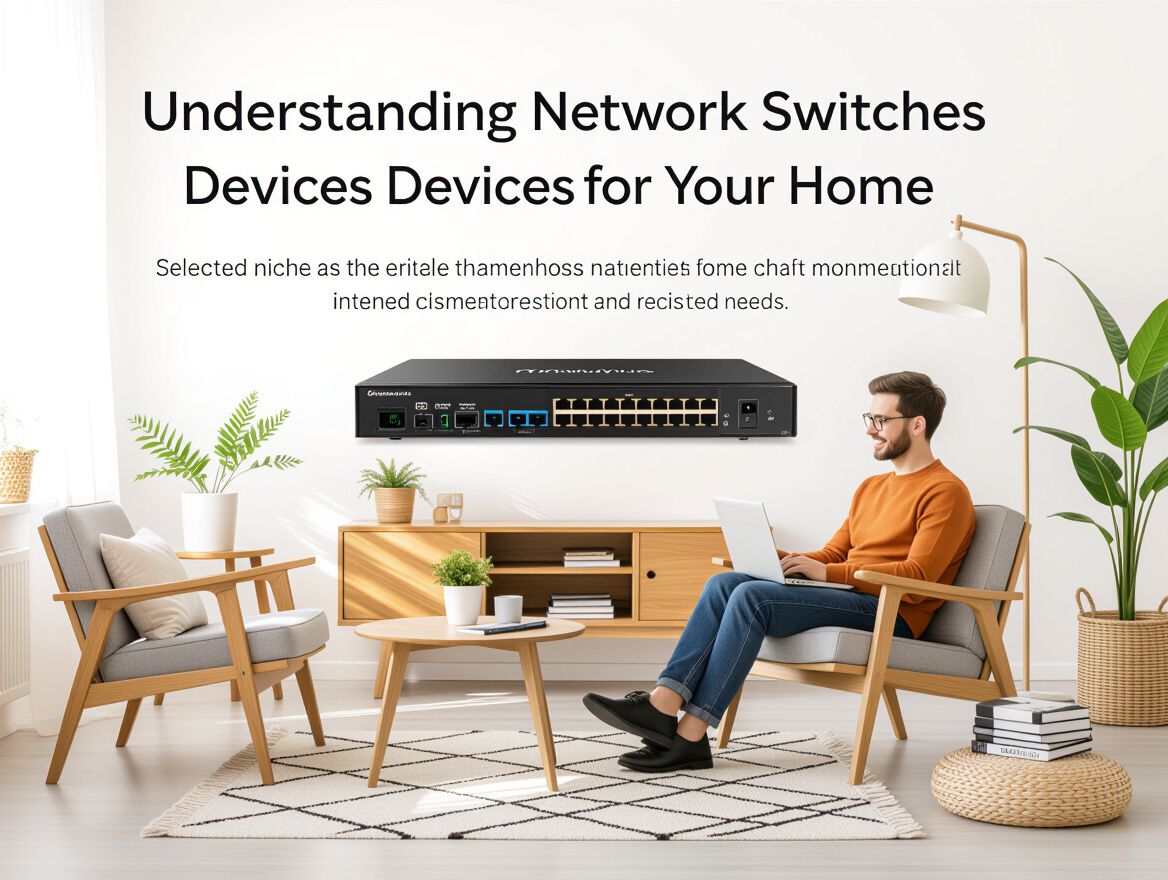
A network switch is a critical device in home networking that facilitates communication between multiple devices, such as computers, printers, and gaming consoles. By directing data packets between these devices, a switch ensures that network traffic is managed efficiently, allowing for faster and more stable connections within your home network.
Understanding the importance of network switches involves recognizing their role in preventing bottlenecks and enhancing overall network performance. Unlike basic hubs, which broadcast data to all connected devices, switches intelligently send data only to the intended recipient, significantly optimizing bandwidth usage.
When considering network switches for your home, it's essential to be aware of the different types available:
- Unmanaged Switches: These are plug-and-play devices that require no configuration, making them suitable for simple home networks.
- Managed Switches: These offer advanced features such as traffic management, security settings, and network monitoring, ideal for more complex setups.
- Smart Switches: A hybrid option that combines some managed features with ease of use, providing a balance between control and simplicity.
Choosing the right type of switch can greatly enhance your home network's efficiency and performance, tailored to your specific needs and future expansion plans.
Key Buying Criteria for Network Switches
When selecting a network switch for your home, it's essential to assess various factors to ensure the device aligns with your specific networking needs. Here’s a checklist of critical criteria to consider:
-
Number of Ports Needed: Determine how many devices will connect to the switch. Common configurations range from 5 to 48 ports, so choose one that accommodates current and future devices without leaving you short.
-
Types of Ports: Look for the appropriate port types based on your devices. Ethernet ports are standard, but if you’re integrating high-speed connections or long-distance connections, consider fiber ports as well.
-
Power over Ethernet (PoE) Capabilities: If you plan to power devices like IP cameras or VoIP phones directly through the switch, ensure it supports PoE. This can eliminate the need for separate power adapters, streamlining your setup.
-
Speed Requirements: Assess your internet speed and data transfer needs. Gigabit switches (1 Gbps) are ideal for most home applications, while Fast Ethernet switches (100 Mbps) may suffice for basic tasks. Choose based on your primary activities, such as gaming, streaming, or file sharing.
-
Budget Considerations: Finally, establish a budget that reflects your needs without compromising quality. While cheaper switches may save money upfront, investing in a reliable switch can enhance performance and longevity.
Evaluating these criteria will help you make an informed decision, ensuring your network switch effectively meets your home networking demands.
Analyzing Different Types of Network Switches
Understanding the various types of network switches is crucial for optimizing your home network's performance and ensuring it meets your specific needs. Here's a breakdown of the main categories you should consider:
Unmanaged vs. Managed Switches
-
Unmanaged Switches: These are plug-and-play devices that require no configuration. They are ideal for simple network setups, offering basic functionality without the need for technical expertise. However, they lack advanced features such as traffic management and monitoring.
-
Managed Switches: These offer greater control and flexibility, allowing users to configure settings, monitor traffic, and implement security measures. Managed switches are suitable for more complex networks, but they come with a steeper learning curve and higher costs.
Smart Switches and Their Benefits
- Smart Switches: A hybrid between unmanaged and managed switches, smart switches provide limited management features such as VLAN support and basic monitoring. They are an excellent choice for users who need more than what unmanaged switches offer but do not require the full capabilities of managed switches.
Layer 2 vs. Layer 3 Switches
-
Layer 2 Switches: These operate at the data link layer and are primarily responsible for switching data within the same network. They are effective for local area networks (LANs) but do not route traffic between different networks.
-
Layer 3 Switches: These can perform routing functions in addition to switching, making them suitable for larger, more complex networks where traffic needs to be managed across multiple subnets. While they offer advanced features, Layer 3 switches are typically more expensive and may be overkill for smaller home networks.
Key Considerations
When selecting a network switch, consider the following factors:
- Network Size: Assess how many devices you plan to connect. Unmanaged switches might suffice for small setups, while larger networks could benefit from managed or smart switches.
- Future Scalability: Think about potential expansions. If you anticipate adding more devices, a managed or Layer 3 switch may offer the flexibility you need.
- Technical Expertise: Evaluate your comfort level with network configuration. If you're not tech-savvy, an unmanaged switch might be the best fit.
By understanding these distinctions and weighing your specific requirements, you can make an informed decision on the right network switch for your home setup.
Common Risks and Misconceptions about Network Switches
When selecting a network switch for your home, it's crucial to understand the potential pitfalls and misconceptions that can lead to poor performance or connectivity issues. Here are some common risks to consider:
-
Configuration Errors: One of the most significant risks stems from incorrect configurations. For instance, mismatches in speed and duplex settings between the switch and connected devices can lead to severe performance issues, including packet loss. Always ensure that both ends are set to auto-negotiate or that they match fixed values to avoid these complications. Regular audits of your network settings can help catch these errors before they escalate.
-
Overheating Issues: Network switches can overheat, especially in poorly ventilated areas or when they are under heavy load. Overheating can lead to hardware failures and reduced lifespan of the device. To mitigate this risk, ensure your switch is placed in a cool, well-ventilated area and consider models with built-in cooling features if you anticipate high traffic.
-
Misunderstanding of Speed/Duplex Settings: Many users are unaware of the importance of speed and duplex settings, which can result in suboptimal network performance. For example, if a switch port is set to 1Gbps/Full and a connected device is set to 100Mbps/Half, it can create a bottleneck. Understanding these settings and ensuring they are correctly configured for all devices is essential for maintaining a smooth network experience.
By being aware of these risks and taking proactive measures, you can enhance your home networking capabilities and avoid common pitfalls associated with network switches.
Frequently Asked Questions about Network Switches
Understanding network switches can be complex, especially for home users looking to enhance their networking capabilities. Below are some common questions that can help clarify your concerns as you consider integrating a switch into your home network.
What is the difference between a switch and a router?
A switch is a network device that connects multiple devices within the same local area network (LAN) and facilitates communication between them. It operates at Layer 2 of the OSI model, managing data traffic efficiently. In contrast, a router connects different networks, directing data between them and often providing access to the internet. Routers operate at Layer 3 and typically include additional features like firewall protection and network address translation.
How do I know how many ports I need?
Determining the number of ports required for your network switch involves counting the devices you plan to connect, including computers, printers, smart TVs, and gaming consoles. It’s also wise to consider future expansion. For example:
- Current Devices: Count all devices that will connect to the network.
- Future Growth: Add a few extra ports to accommodate additional devices you may acquire later.
- Network Configuration: If you plan to segment your network into different VLANs, you may need more ports to manage these configurations effectively.
Can I mix different types of switches in my network?
Yes, you can mix different types of switches in your network, such as managed and unmanaged switches. However, keep in mind the following:
- Compatibility: Ensure that the switches are compatible in terms of speed and network protocols.
- Management Features: Mixing managed and unmanaged switches can complicate network management, as managed switches offer advanced features like VLAN support and traffic monitoring, while unmanaged switches do not.
- Performance: Consider how the different switches will affect overall network performance, especially if they are handling different types of traffic or connected devices.
By addressing these frequently asked questions, you can make a more informed decision about incorporating network switches into your home networking setup.
Making an Informed Decision on Network Switches
As you consider enhancing your home network with a network switch, it's crucial to synthesize the key criteria that will guide your selection. Start by evaluating your current and anticipated networking needs, ensuring the switch aligns with the number of devices you plan to connect.
Key Buying Criteria:
- Port Count: Determine how many devices will connect to the switch. More ports allow for future expansion.
- Speed Requirements: Assess the speed of your internet connection and the capabilities of your devices to avoid bottlenecks.
- Power over Ethernet (PoE): If you need to power devices like IP cameras or phones, look for switches that support PoE.
- Managed vs. Unmanaged: Decide if you need advanced features like traffic management and monitoring, which are available in managed switches.
- Physical Space: Consider where the switch will be placed and ensure it fits your environment, taking into account ventilation and accessibility.
Encouragement for Evaluation:
Reflect on your current usage patterns and how they may change. If you foresee adding more devices or upgrading your internet plan, choose a switch that can accommodate those changes.
Future Scalability:
Investing in a switch that supports future growth can save you from needing to replace it soon. Look for features that allow for easy upgrades and expansions, ensuring your home network remains robust as technology evolves.
By carefully weighing these factors, you can make an informed decision that meets both your current demands and future aspirations in home networking.