Top Network Switches for Business: Enhance Your Connectivity
Understanding Network Switches for Business
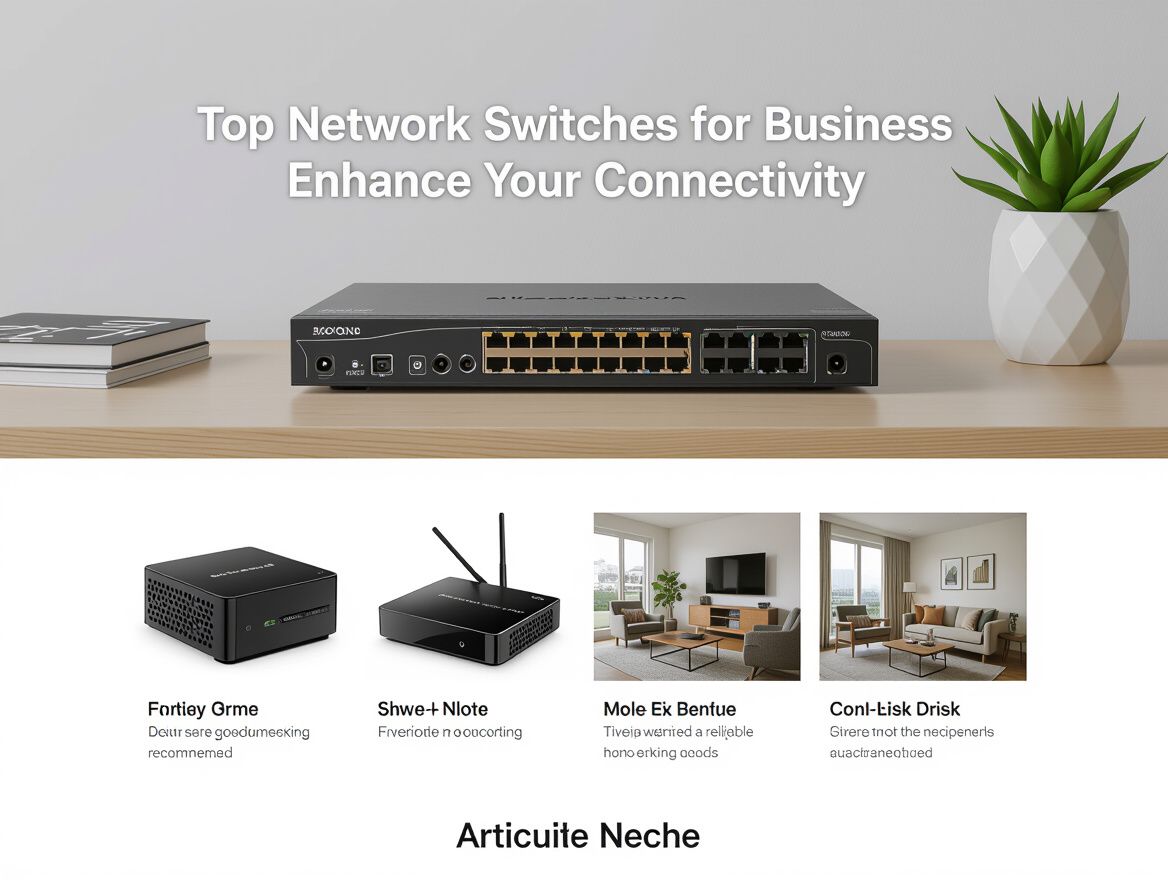
In today's digital landscape, network switches are essential components for ensuring seamless connectivity within business environments. A network switch is a device that connects multiple devices on a network, allowing them to communicate efficiently by directing data traffic. This functionality is crucial for maintaining operational efficiency, particularly as businesses increasingly rely on digital communication and data exchange.
The importance of selecting the right network switch cannot be overstated. A well-chosen switch can enhance network performance, reduce bottlenecks, and facilitate smoother operations, ultimately supporting business growth. Conversely, poor choices can lead to connectivity issues, decreased productivity, and increased downtime, which can be costly for any organization.
This guide aims to provide business owners and IT managers with comprehensive insights into selecting the right network switches tailored to their specific connectivity needs. You can expect to explore key buying criteria, trade-offs to consider, and how to assess the fit of various options for your business. By the end of this guide, you will be equipped with the knowledge necessary to make informed decisions that support both current requirements and future scalability.
Key Features to Consider When Choosing a Network Switch
When selecting network switches for business, it’s essential to evaluate specific features that align with your connectivity needs and future growth. Here’s a checklist to guide your decision-making process:
-
Number of Ports: Assess the current and anticipated number of devices needing connection. Ensure the switch has enough ports to accommodate growth without requiring immediate upgrades.
-
Speed and Bandwidth Capabilities: Look for switches that support the necessary data transfer speeds. Common options include 1 Gbps or 10 Gbps, depending on your network demands.
-
Power over Ethernet (PoE) Support: If you plan to power devices like IP cameras or phones through the network, ensure the switch supports PoE. This feature can simplify your setup and reduce the need for additional power sources.
-
Management Level (Unmanaged vs Managed): Determine whether you need an unmanaged switch for simplicity or a managed switch for greater control and configuration options. Managed switches offer features like VLAN support and traffic monitoring, which can enhance network performance.
-
Security Features: Evaluate the security capabilities of the switch, such as port security, access control lists (ACLs), and support for encryption. Strong security measures are crucial for protecting sensitive business data.
By carefully considering these features, you can select a network switch that not only meets your current requirements but also supports your business's future growth and operational efficiency.
Analyzing Different Types of Network Switches
When selecting network switches for business, it's essential to understand the various types available and how they align with your specific connectivity needs. Each switch type offers distinct features and functionalities that can cater to different business environments.
Unmanaged Switches
Unmanaged switches are the simplest form of network switches, providing basic connectivity without any configuration options. They are ideal for small businesses or home offices where minimal network management is required. Key points include:
- Plug-and-Play: Easy to set up and use, requiring no technical expertise.
- Cost-Effective: Generally less expensive, making them suitable for tight budgets.
- Limited Scalability: Not ideal for growing networks that may require advanced features in the future.
Managed Switches
Managed switches offer advanced features that allow for greater control over the network. They are suitable for larger businesses or those requiring robust network management. Considerations include:
- Control and Monitoring: Offers VLANs, traffic prioritization, and monitoring capabilities.
- Higher Cost: More expensive than unmanaged switches but justified by the added functionalities.
- Scalability: Better suited for growing businesses that anticipate increased network demands.
Smart Switches
Smart switches bridge the gap between unmanaged and managed switches, providing some management features without the complexity of fully managed options. They are suitable for small to medium-sized businesses needing moderate control. Features include:
- User-Friendly Management: Basic configuration options that are easier to navigate than fully managed switches.
- Cost-Effective Management: Provides essential control features at a lower price point than fully managed switches.
Layer 2 vs Layer 3 Switches
Understanding the difference between Layer 2 and Layer 3 switches is crucial for making an informed decision:
- Layer 2 Switches: Operate at the data link layer, primarily directing traffic within a local network. Ideal for simple networking needs.
- Layer 3 Switches: Operate at the network layer, capable of routing traffic between different networks. Suitable for businesses needing more complex networking solutions.
Use Cases for Each Type
- Unmanaged Switches: Best for small offices or home setups with limited devices.
- Managed Switches: Ideal for larger enterprises with complex networks requiring extensive management and security features.
- Smart Switches: Suitable for medium-sized businesses needing a balance of control and cost.
- Layer 2 Switches: Fit for local area networks (LANs) with straightforward traffic management.
- Layer 3 Switches: Appropriate for businesses with multiple networks or those requiring advanced routing capabilities.
By carefully evaluating these types of network switches, businesses can select the right solution that meets their current needs while also considering future scalability and management requirements.
Common Risks and Pitfalls in Choosing Network Switches
Selecting the right network switches for business is crucial, yet businesses often encounter several common pitfalls that can lead to connectivity issues and increased costs. Awareness of these risks is essential for making an informed decision.
-
Misconfigurations: One of the most prevalent issues arises from improper setup. Even experienced IT personnel can overlook critical configuration steps, leading to network inefficiencies or downtime. Regular audits and adherence to best practices can mitigate this risk.
-
Inadequate Port Counts: Underestimating the number of devices that will connect to the network can result in insufficient ports on the switch. This can force businesses to rely on slower wireless connections or necessitate additional purchases sooner than anticipated. Assessing current and future needs is vital.
-
Overlooking Future Scalability: Many businesses select switches based solely on immediate requirements without considering future growth. A switch that meets current needs may not support increased traffic or additional devices down the line. Opt for models that offer scalability features, such as stacking capabilities or modular designs.
-
Ignoring Security Features: Security is often an afterthought when selecting network switches. Features such as VLAN support, port security, and monitoring capabilities are essential to safeguarding business data. Failing to prioritize security can expose networks to vulnerabilities and attacks.
By recognizing these potential pitfalls, businesses can better navigate the selection process for network switches, ensuring they choose solutions that enhance connectivity and support long-term growth.
How to Evaluate and Compare Network Switches
Selecting the right network switch for your business requires a systematic approach to ensure it meets your connectivity needs while considering future scalability and budget constraints. Here’s a step-by-step guide to help you evaluate and compare different network switches effectively.
1. Gather Specifications
Start by identifying the technical specifications of the network switches you're considering. Focus on:
- Port Count: Ensure the switch has enough ports to accommodate current and anticipated devices.
- Speed: Check for data transfer rates (e.g., 1Gbps, 10Gbps) to ensure they meet your network demands.
- Power over Ethernet (PoE): Assess if you need PoE capabilities for devices like IP cameras and phones.
2. Use Comparison Charts
Utilize comparison charts to visually assess multiple switches side by side. Look for:
- Features: Compare managed vs. unmanaged options, security features, and layer types (Layer 2 vs. Layer 3).
- Price: Document the cost differences to align with your budget.
3. Consult Reviews and Case Studies
Research user reviews and case studies to gain insights into real-world performance and reliability. Consider:
- Common Issues: Identify frequently reported problems, such as configuration complexities or downtime incidents.
- Vendor Support: Evaluate the quality of customer support and warranty options, as these can impact long-term satisfaction.
4. Make a Shortlist Based on Business Needs
After gathering data, create a shortlist of switches that align with your specific requirements. Focus on:
- Scalability: Choose switches that can grow with your business, allowing for future expansions without significant additional costs.
- Fit for Purpose: Ensure the switches meet the unique demands of your business operations, including the types of applications running on your network.
By following these steps, you can make a well-informed decision that enhances your business's connectivity while minimizing risks and ensuring future adaptability.
Frequently Asked Questions About Network Switches for Business
Understanding network switches is crucial for making informed decisions that enhance your business connectivity. Here are some common questions business owners and IT managers often have:
What is the difference between managed and unmanaged switches?
- Managed Switches: Offer advanced features such as traffic monitoring, VLAN support, and remote management. They allow for greater control over your network, making them suitable for larger or more complex setups.
- Unmanaged Switches: Simpler and plug-and-play devices with no configuration options. They are cost-effective and ideal for smaller networks with basic connectivity needs.
How do I know how many ports I need?
- Device Count: Start by counting the devices that will connect to the switch, including computers, printers, and servers.
- Future Growth: Consider potential future needs; it’s wise to choose a switch with additional ports to accommodate growth without needing an immediate upgrade.
- Port Types: Ensure you account for the types of connections required (e.g., standard Ethernet, PoE).
What are the benefits of PoE?
- Power Over Ethernet (PoE): Allows network cables to carry electrical power to devices like IP cameras and VoIP phones, eliminating the need for separate power sources.
- Cost Efficiency: Reduces installation costs by minimizing the number of cables and outlets needed.
- Flexibility: Enables the placement of devices in locations where power outlets are not readily available.
How often should I upgrade my network switches?
- Technology Advancement: Regularly assess your network needs and technology advancements. Typically, a switch should be considered for upgrade every 3-5 years to keep up with performance and security standards.
- Performance Issues: If you notice frequent bottlenecks, slow speeds, or connectivity issues, it may be time to evaluate your current hardware.
- Scalability Needs: As your business grows, upgrading to support more devices or advanced features may be necessary for optimal performance.
By addressing these FAQs, you can better navigate the complexities of selecting the right network switches for your business, ensuring that your connectivity infrastructure is robust, scalable, and future-ready.
Making the Right Choice for Your Business
In conclusion, selecting the appropriate network switches for your business is a pivotal decision that significantly impacts your connectivity and operational efficiency. As we've discussed, there are several key features to consider, including the number of ports, speed capabilities, Power over Ethernet support, management level, and security features. Each of these elements plays a crucial role in ensuring that your network can handle current demands while being scalable for future growth.
Choosing the right switch not only prevents bottlenecks but also enhances the overall performance of your network. An informed decision can lead to smoother operations, reduced downtime, and a more secure environment for your data. It is essential to weigh the trade-offs associated with unmanaged versus managed switches, as well as the risks of misconfiguration and inadequate port counts.
As you move forward in the buying process, take the time to assess your specific needs and budget constraints. Conducting thorough research and possibly consulting with IT professionals can further refine your options. By doing so, you will be well-equipped to make a choice that aligns with both your immediate requirements and long-term business goals.