Home Network Switches: Key Features to Look For
Understanding Home Network Switches
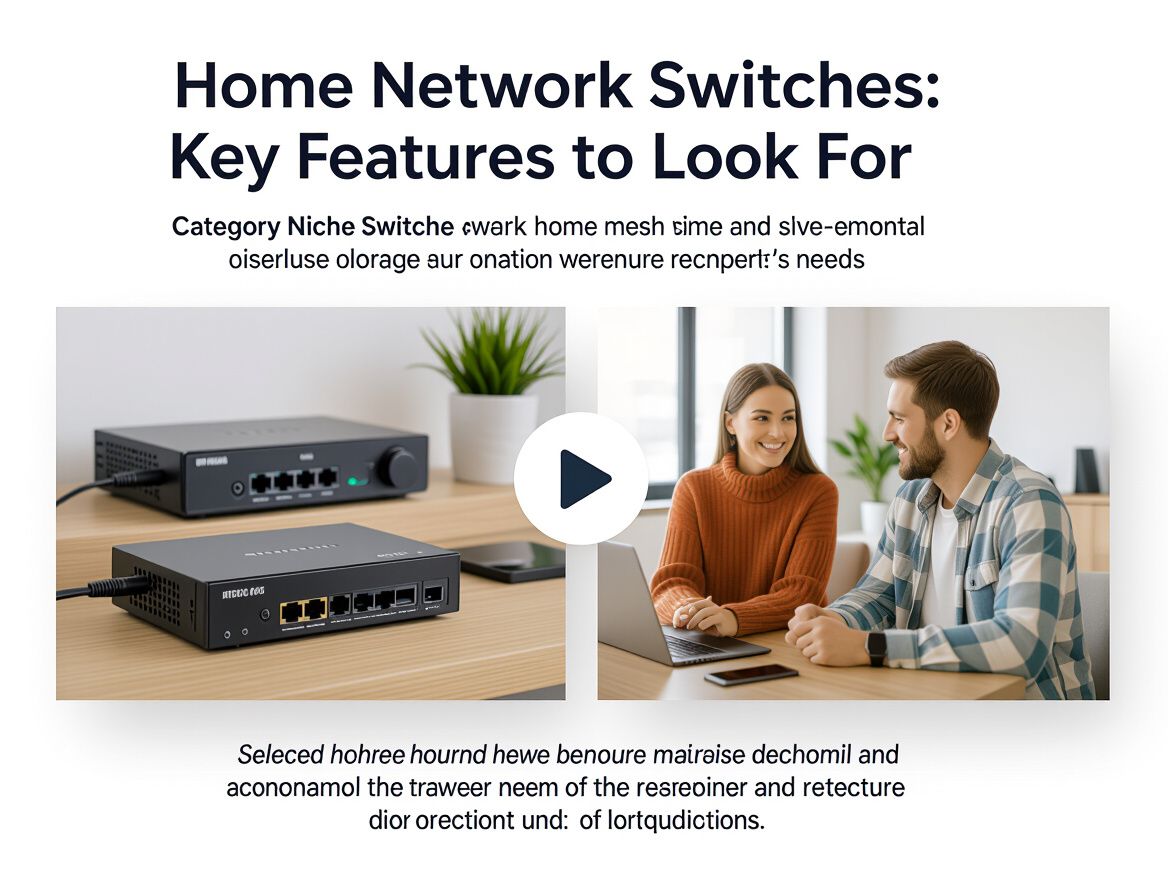
Home network switches are essential devices that manage data traffic between multiple devices within a network, such as computers, printers, and smart home devices. By directing traffic efficiently, these switches enhance overall network performance, ensuring faster and more reliable connectivity.
Key Aspects of Home Network Switches:
- Functionality: Switches facilitate communication between devices by creating a local area network (LAN), allowing for seamless data transfer without overloading the network.
- Types: There are primarily two types of switches: unmanaged and managed. Unmanaged switches are simpler and plug-and-play, while managed switches offer advanced features like traffic management and monitoring.
- Importance: Choosing the right switch can prevent bottlenecks, improve speed, and make future upgrades easier, making it a critical component for both home users and small office environments.
Understanding these key aspects will help you make informed decisions when selecting a home network switch that best fits your connectivity needs.
Key Features to Consider
When selecting a home network switch, understanding the essential features can significantly enhance your network's performance and reliability. Here’s a checklist of key attributes to prioritize:
-
Port Count and Types: Determine the number of devices you plan to connect. Common configurations include 5, 8, or 16 ports. Ensure the switch accommodates your current needs and allows for future expansion. Consider the types of ports as well—standard Ethernet (RJ45) or fiber optic options may be required based on your setup.
-
Speed: Look for switches that support Gigabit Ethernet (1 Gbps) rather than Fast Ethernet (100 Mbps). Gigabit switches provide faster data transfer rates, which is particularly beneficial for streaming, gaming, or large file transfers.
-
Power over Ethernet (PoE) Capabilities: If you plan to connect devices like IP cameras or wireless access points, consider switches with PoE support. This feature allows the switch to deliver power through the Ethernet cable, reducing the need for additional power sources.
-
Quality of Service (QoS) Settings: QoS features enable you to prioritize certain types of traffic, ensuring that bandwidth is allocated effectively for applications that require it most, such as VoIP or video conferencing. This can help maintain a stable connection during high-demand periods.
-
VLAN Support and Management Options: If you need to segment your network for security or performance reasons, look for switches that support Virtual Local Area Networks (VLANs). Managed switches often provide more robust management options, allowing for better control over network traffic and device access.
By carefully evaluating these features, you can choose a home network switch that not only meets your current requirements but also anticipates future needs, ensuring a reliable and efficient network environment.
Understanding Trade-offs in Switch Selection
When selecting a home network switch, it's vital to comprehend the trade-offs between different types of switches and their features. Understanding these trade-offs can guide you toward a choice that best fits your connectivity needs and budget.
Managed vs. Unmanaged Switches
- Managed Switches: Offer advanced features like network monitoring, VLAN support, and Quality of Service (QoS). They provide greater control and security but come at a higher cost and complexity.
- Unmanaged Switches: Simpler and more cost-effective, they require no configuration and are ideal for straightforward setups but lack the advanced features of managed options.
Cost vs. Functionality
- Budget Constraints: Unmanaged switches typically have a lower upfront cost, making them suitable for users with basic needs. However, investing in a managed switch may yield long-term benefits through enhanced performance and scalability.
- Features to Consider: Look for switches with Power over Ethernet (PoE) capabilities, which can save on additional cabling costs for devices like IP cameras and phones.
Scalability Considerations
- Future Needs: Consider how many devices you plan to connect now and in the future. Opting for a switch with more ports than currently needed can prevent the hassle of replacing it as your network grows.
- Network Growth: Managed switches often allow for easier network management and expansion, making them a better choice for users anticipating significant growth.
Reliability and Brand Reputation
- Brand Trust: Established brands tend to offer more reliable products, with better customer support and warranty options. Avoid cheaper, lesser-known brands that may compromise on stability and performance.
- User Reviews: Researching user experiences can provide insights into a switch's reliability and performance, helping to mitigate risks associated with your investment.
By carefully weighing these trade-offs, you can select a home network switch that not only meets your current needs but also adapts to future demands, ensuring a robust and efficient network connectivity solution.
Common Buyer Questions
When selecting a home network switch, potential buyers often have specific concerns that can significantly influence their decision-making process. Here are some common questions and considerations to help guide your selection.
What problems do home network switches solve?
Home network switches primarily address connectivity issues within a network. They facilitate communication between multiple devices, ensuring stable and efficient data transfer. Key problems they solve include:
- Network Congestion: By managing traffic between devices, switches prevent bottlenecks and maintain optimal performance.
- Device Connection: They allow multiple devices to connect to a single network, expanding the number of available ports.
- Improved Speed: Switches can enhance overall network speed by efficiently directing data packets where they need to go.
What criteria should change the shortlist?
When narrowing down your options, consider the following criteria that should significantly influence your shortlist:
- Port Count: Assess how many devices you need to connect now and in the future. A switch with more ports may be necessary for future expansion.
- Speed and Performance: Look for switches that support the latest Ethernet standards (e.g., Gigabit Ethernet) to ensure fast data transfer rates.
- Management Features: Decide whether you need a managed or unmanaged switch. Managed switches offer more control and security features, while unmanaged switches are simpler and often less expensive.
What are the risks of choosing low-cost models?
While budget-friendly switches may seem appealing, they often come with significant risks:
- Reliability Issues: Cheaper models may not be built to the same standards as more reputable brands, leading to potential failures or connectivity issues.
- Limited Features: Low-cost switches may lack advanced features such as Quality of Service (QoS) or VLAN support, which can restrict network performance and flexibility.
- Poor Support: Often, less expensive options come without robust customer service or warranty options, increasing the risk of future costs if issues arise.
Understanding these aspects can empower you to make a more informed decision when selecting a home network switch that best fits your needs.
Risks and Caveats to Consider
When selecting a home network switch, it's essential to be aware of potential risks and caveats that could impact your network's performance and reliability. Here are some key considerations:
-
Second-Hand Switches: Purchasing used or refurbished switches can save money, but it carries risks. Second-hand devices may have undetected damage or wear, leading to reliability issues. Always ensure that the seller has a reputable return policy or warranty to mitigate this risk.
-
Importance of Warranty and Vendor Support: A solid warranty and responsive vendor support are crucial when buying a switch. Without these, you may face challenges in getting replacements or technical assistance if issues arise. Look for products that offer at least a one-year warranty and check reviews for vendor responsiveness.
-
Common Pitfalls in Misjudging Switch Capabilities: Many users underestimate the importance of specifications like port speed, PoE (Power over Ethernet) capabilities, and management features. A switch that seems adequate for current needs may not support future expansions or higher bandwidth requirements. Ensure that the switch you choose aligns with both your present and anticipated needs.
-
Compatibility Issues: Check the compatibility of the switch with your existing network infrastructure. Misjudging compatibility can lead to performance bottlenecks or connectivity issues.
By considering these factors, you can make a more informed choice that suits your networking needs while minimizing potential risks.
Making the Right Choice
Choosing the right home network switch involves evaluating several key features and considerations to ensure it meets your specific needs. Here’s a recap of essential points to guide your decision-making:
-
Port Count and Speed: Assess the number of devices you plan to connect and the required bandwidth. More ports can accommodate growth, while higher speeds support better performance, especially with multiple devices active simultaneously.
-
Power over Ethernet (PoE): If you plan to connect devices like IP cameras or access points, consider switches with PoE capability. This feature allows devices to receive power through the network cable, simplifying installations.
-
Management Features: Managed switches offer greater control over network traffic and security settings, but they come with added complexity. Unmanaged switches are simpler and generally sufficient for basic home setups.
-
Quality of Service (QoS): Look for switches that support QoS features to prioritize bandwidth for critical applications, ensuring smoother performance during high traffic.
-
Future-Proofing: Consider switches that support newer standards and technologies to ensure they remain relevant as your network demands grow.
Before making a purchase, evaluate your personal network needs and consider how each feature aligns with your specific use case. Balancing the trade-offs between cost, functionality, and ease of use is essential to selecting a reliable switch that enhances your home or small office network. Ultimately, informed decision-making will lead to a setup that meets your connectivity requirements now and in the future.