How Does a WiFi Range Extender Work? Insights and Tips
Understanding WiFi Range Extenders
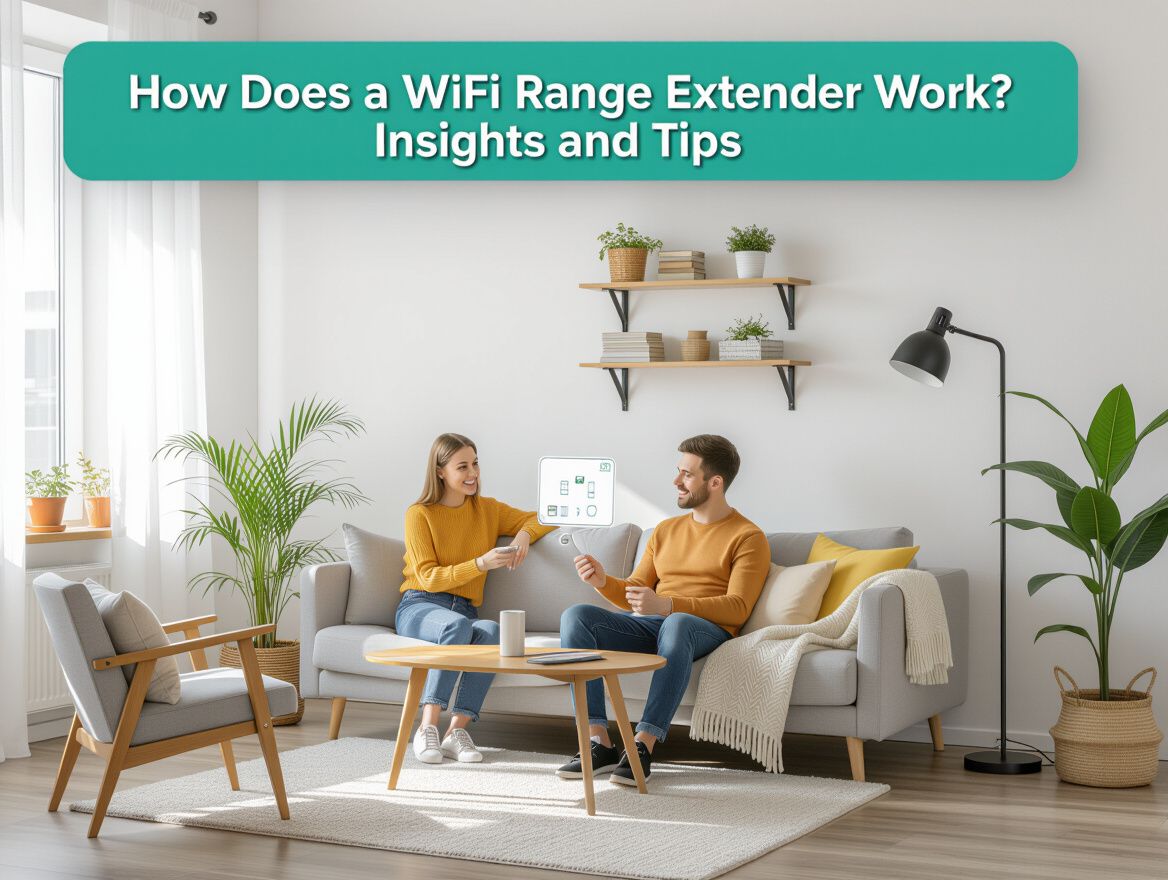
A WiFi range extender is a device designed to enhance the coverage of your existing wireless network by capturing and rebroadcasting the signal from your router. This technology is particularly useful in larger homes or spaces with physical obstructions that can weaken WiFi signals, such as walls and furniture. By extending the range, it helps eliminate dead zones and provides a more reliable internet connection throughout your living area.
The importance of extending WiFi coverage cannot be overstated. Many users find that their current router's signal does not reach every corner of their home, leading to frustrating connectivity issues. A range extender can help bridge this gap, ensuring that devices in distant rooms or outdoor areas maintain a stable connection. Here are some key points to consider:
- Signal Boosting: Extenders amplify the existing WiFi signal, allowing for better connectivity in hard-to-reach areas.
- Network Flexibility: They can often be set up to operate under the same network name (SSID) or a different one, depending on user preference.
- Cost-Effectiveness: Utilizing a range extender can be a more affordable solution compared to upgrading to a more powerful router or investing in a mesh networking system.
Understanding how WiFi range extenders work is crucial for maximizing their effectiveness in your home network setup.
How Do WiFi Range Extenders Function?
WiFi range extenders play a crucial role in enhancing home network performance by capturing and rebroadcasting signals from your existing router. Understanding their mechanics can help you optimize your home WiFi coverage effectively.
Signal Reception and Re-broadcasting
A WiFi range extender receives the wireless signal from your router and amplifies it to extend coverage into areas where the original signal is weak or nonexistent. This process involves:
- Signal Capture: The extender picks up the WiFi signal from your router.
- Re-broadcasting: It then retransmits the amplified signal, effectively creating a broader coverage area.
Technical Aspects of Signal Amplification
The operational efficiency of a range extender depends on several technical factors:
- Frequency Bands: Many extenders operate on dual-band frequencies (2.4 GHz and 5 GHz), allowing for optimal performance based on device compatibility and distance from the router.
- Channel Selection: Extenders may operate on different channels than the router to minimize interference and enhance signal clarity.
- MU-MIMO Technology: Some modern extenders support Multi-User, Multiple Input, Multiple Output (MU-MIMO) technology, which allows multiple devices to connect simultaneously without degrading performance.
Different Operational Modes
WiFi range extenders can function in various modes, impacting your network’s efficiency and user experience:
- Same SSID Mode: In this mode, the extender uses the same network name as the router, allowing for seamless transitions between the two signals as you move through your home.
- Different SSID Mode: Alternatively, some extenders create a new network name. While this can help in identifying the source of connection issues, it may require manual switching between networks, which can be inconvenient.
By understanding these functionalities, you can make an informed decision on how to effectively integrate a WiFi range extender into your home network, enhancing connectivity where needed while considering the trade-offs involved.
Optimal Setup and Placement Strategies
To maximize the performance of your WiFi range extender, strategic setup and placement are crucial. Below are essential considerations to ensure you achieve optimal coverage and connectivity.
Best Locations for Placing Extenders
- Midway Between Router and Dead Zones: Position the extender halfway between your router and the area with weak signal. This allows it to effectively capture and rebroadcast the signal.
- Elevated Surfaces: Place the extender on a shelf or high surface to improve signal distribution and reduce obstructions.
Avoiding Interference from Walls and Appliances
- Distance from Physical Barriers: Keep the extender away from thick walls, metal objects, or appliances like microwaves that can interfere with the signal.
- Line of Sight: Aim for a clear line of sight between the router and extender. This will enhance signal strength and reduce latency.
Initial Setup Steps
- Follow Manufacturer Instructions: Use the specific setup guide provided with your extender for optimal configuration.
- Connect to the Right Band: If your extender supports dual-band functionality, connect it to the less congested band for better performance.
- Update Firmware: Ensure the extender's firmware is updated to the latest version to benefit from performance enhancements and security fixes.
By following these placement and setup strategies, you can significantly enhance your home network performance and ensure a stable WiFi connection throughout your living space.
Trade-offs and Limitations of Using WiFi Extenders
While WiFi range extenders can significantly improve network coverage, they come with certain trade-offs and limitations that users should carefully consider.
-
Possible Reduction in Speed: One of the most notable drawbacks is the potential decrease in internet speed. When a range extender receives a signal from the router and rebroadcasts it, it may operate on a different channel or use half of the available bandwidth for communication with the router. This can lead to slower speeds in the extended areas compared to the direct connection to the router.
-
Network Complexity with Multiple SSIDs: Many extenders create a separate network name (SSID), which can complicate your network setup. Users may need to switch between networks as they move through their home, leading to connectivity issues and user frustration. Some extenders allow for a single SSID, but this feature is not universal.
-
Compatibility Issues with Existing Routers: Not all extenders work seamlessly with every router. Compatibility issues can arise, especially with older router models or specific brands. Before purchasing an extender, it's crucial to ensure that it is compatible with your existing network hardware to avoid connection problems.
Understanding these limitations can help you make a more informed decision about whether a WiFi range extender is the right solution for your home network needs.
Common Issues and Troubleshooting Tips
When using WiFi range extenders, users may encounter a variety of issues that can hinder their network performance. Understanding these common problems and knowing how to troubleshoot them can significantly enhance your experience.
Signal Drops
Signal drops can occur for several reasons, including:
- Distance from the Router: Ensure the extender is within a reasonable distance from the router to maintain a strong signal.
- Obstructions: Physical barriers like walls and furniture can weaken the signal. Try relocating the extender to a more open area.
- Interference: Other electronic devices may interfere with the WiFi signal. Keep the extender away from microwaves, cordless phones, and Bluetooth devices.
Fixes:
- Reposition the extender closer to the router.
- Change the channel on your router to minimize interference.
Extender Not Connecting to the Router
If your extender fails to connect, consider the following:
- Incorrect Credentials: Ensure you have entered the correct WiFi password during setup.
- Firmware Issues: Outdated firmware can cause connectivity problems. Check for updates via the manufacturer's website.
Fixes:
- Double-check your WiFi credentials.
- Update the extender's firmware through the settings interface.
Performance Issues
Users may experience slow speeds or inconsistent performance with their extenders. This can be caused by:
- Network Congestion: Too many devices connected to the extender can slow down performance.
- Extender Placement: If the extender is placed too far from the router, it may not receive a strong enough signal to rebroadcast effectively.
Fixes:
- Limit the number of devices connected to the extender.
- Experiment with different placements to find the optimal location for the extender.
By addressing these common issues and applying the suggested fixes, you can improve the overall functionality of your WiFi range extender and enjoy better connectivity throughout your home.
Final Thoughts on WiFi Range Extenders
Understanding how WiFi range extenders work is crucial for enhancing your home network's performance. These devices capture your existing WiFi signal and rebroadcast it, effectively increasing coverage in areas where the signal may be weak or non-existent. However, the benefits of using a WiFi extender hinge on proper setup and placement to ensure optimal performance.
Here are some key considerations to keep in mind:
- Proper Placement: Position your extender halfway between your router and the area with poor coverage. This ensures it receives a strong signal to amplify.
- Network Configuration: Some extenders create a separate network, which may require reconnecting devices. Consider models that maintain the same SSID for seamless connectivity.
- Interference Factors: Walls, furniture, and other electronic devices can interfere with signals. Assess your home layout to minimize obstacles between the router and extender.
In conclusion, WiFi range extenders can significantly enhance your network coverage and performance when set up correctly. If you're struggling with dead zones in your home, considering an extender might be a worthwhile solution to improve your overall internet experience.
More in Wifi Range Extenders
View All