Choosing the Right Network Switches and Routers for Your Home
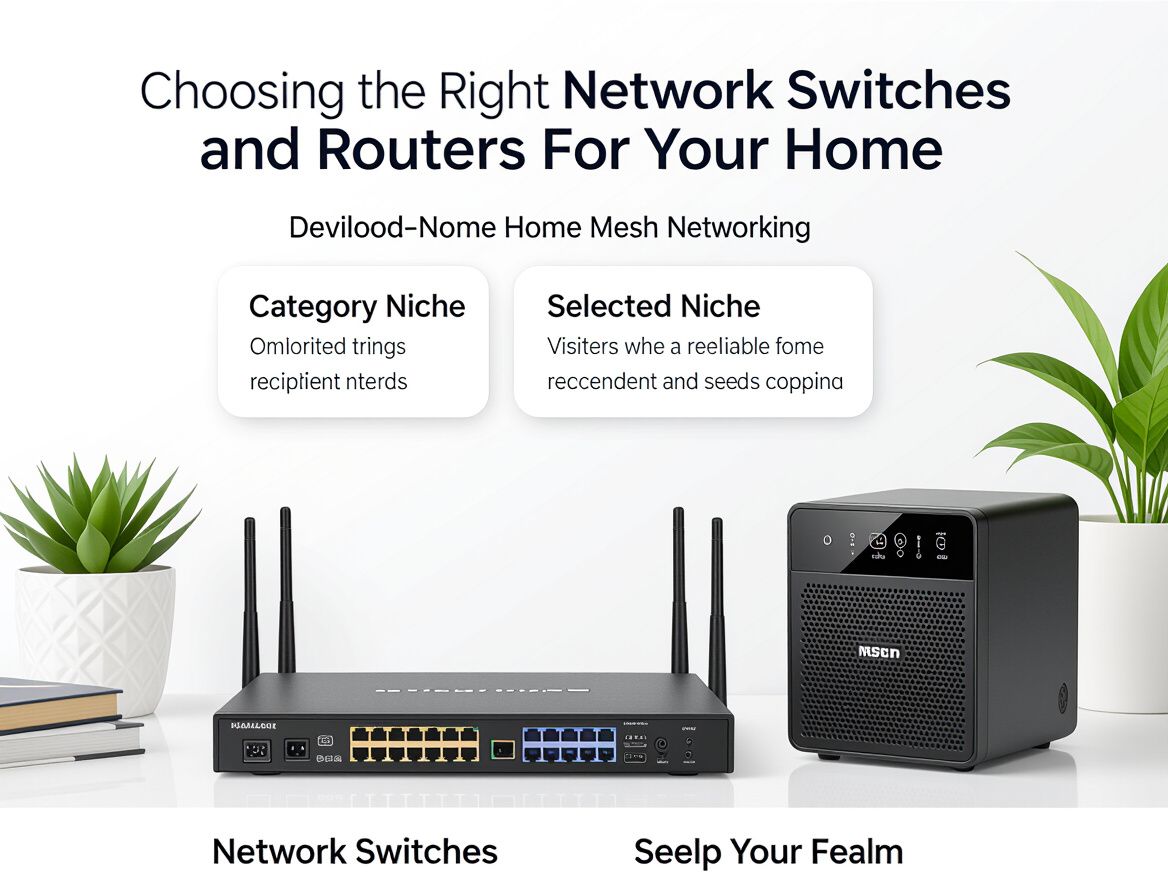
Understanding Network Switches and Routers
In the realm of home networking, network switches and routers play critical roles in ensuring seamless connectivity and efficient data transfer. While both devices are integral to establishing a robust home network, they serve distinct functions that cater to different connectivity needs.
Definitions:
-
Network Switches: These devices connect multiple devices within the same local area network (LAN), allowing them to communicate with one another. Switches operate primarily at Layer 2 of the OSI model, utilizing MAC addresses to forward data between connected devices.
-
Routers: In contrast, routers connect multiple networks and direct data between them, including the internet. They operate at Layer 3 of the OSI model and utilize IP addresses for routing traffic. Routers are essential for sharing a single internet connection among multiple devices.
Importance in Modern Home Networks:
Understanding the differences between these devices is crucial for optimizing home network performance. As homes become increasingly reliant on internet connectivity for work, entertainment, and smart devices, selecting the right combination of network switches and routers can significantly enhance network efficiency and reliability.
Overview of the Article:
This article will guide you through the features and benefits of network switches and routers, helping you make an informed decision based on your specific connectivity needs. By comparing their functionalities, evaluating trade-offs, and considering use-case scenarios, you can determine which device—or combination of devices—best suits your home network.
Key Differences Between Switches and Routers
Understanding the fundamental differences between network switches and routers is crucial for optimizing your home network connectivity. Each device serves a distinct purpose, and knowing how they operate can guide your purchasing decision.
Operational Layers
- Switches: Operate primarily at Layer 2 (Data Link Layer) of the OSI model. They manage data traffic within a local area network (LAN) by using MAC addresses to forward data to the appropriate devices.
- Routers: Function at Layer 3 (Network Layer) and are responsible for directing data between different networks. They utilize IP addresses to forward packets and manage traffic to and from the internet.
Data Management
- Switches: Efficiently connect multiple devices within the same network, allowing them to communicate. They can also reduce network congestion by creating separate collision domains for each connected device.
- Routers: Manage data flow between different networks, such as your home network and the internet. They also provide features like Network Address Translation (NAT) and firewall capabilities, enhancing security and enabling multiple devices to share a single internet connection.
Typical Use Cases
- Switches: Ideal for expanding a home network by connecting multiple devices like computers, printers, and smart home devices within a single location. They are particularly useful in scenarios where high-speed local communication is essential.
- Routers: Essential for homes that require internet access. They connect to your internet service provider (ISP) and distribute that connection to various devices, both wired and wireless.
By understanding these differences, you can better assess your network needs and choose the right device to enhance your home connectivity.
Buying Criteria for Network Devices
When selecting network switches and routers for your home, several key factors can guide your decision. Consider the following checklist to ensure you choose the right device for your specific connectivity needs:
-
Number of Devices to Connect: Assess how many devices will be connected to your network. Routers typically manage connections for multiple devices, while switches expand the number of wired connections available. Ensure the device can handle your current and future needs.
-
Internet Speed Requirements: Identify your internet speed and bandwidth needs. Routers are crucial for distributing internet access, while switches can optimize data transfer within your local network. Choose devices that can support your internet plan speeds.
-
Wired vs. Wireless Capabilities: Determine whether you need wired connections, wireless access, or a combination of both. Routers provide wireless access, while switches enhance wired connections. Your choice will depend on the layout of your home and the types of devices you use.
-
Budget Considerations: Set a budget for your network devices. Generally, routers can be more expensive than switches due to their advanced features. Evaluate the cost against the necessary functionalities to find a balance that fits your financial plan.
-
Future Scalability: Think about your future network needs. If you anticipate adding more devices or upgrading your internet service, consider devices that offer scalability options, such as additional ports on switches or advanced features on routers.
By weighing these criteria, you can make an informed decision that enhances your home network's connectivity and efficiency.
Trade-offs of Using Switches vs. Routers
When deciding between network switches and routers for your home network, understanding the trade-offs is crucial. Each device serves distinct purposes, and their advantages and disadvantages can significantly impact your network's performance and functionality.
Cost vs. Functionality
- Switches tend to be more cost-effective than routers, making them an appealing option for users looking to expand their local network. They primarily connect devices within a single network, which can minimize expenses.
- Routers, on the other hand, are generally more expensive due to their advanced functionalities, such as managing internet traffic and connecting multiple networks. If your primary need is to access the internet or connect different network segments, investing in a router may be necessary.
Ease of Setup and Management
- Switches are typically easier to set up, especially unmanaged switches, which require minimal configuration. This is advantageous for home users who may not have extensive technical expertise.
- Routers can be more complex due to their configuration options, including security settings and network management features. However, many modern routers come with user-friendly interfaces and apps that simplify setup and ongoing management.
Performance in High-Demand Environments
- Switches excel in environments where multiple devices need to communicate efficiently, such as in a home office with several computers or smart devices. They can handle large volumes of data traffic with minimal latency.
- Routers are essential for managing internet connections and directing data packets. In high-demand scenarios, a powerful router is necessary to ensure stable connectivity and speed, particularly if multiple users are streaming or gaming simultaneously.
Potential Limitations of Each Device
- Switches may not provide the necessary features for advanced network management, such as Quality of Service (QoS) or security protocols. If your network requires these capabilities, a switch alone may not suffice.
- Routers can become bottlenecks if they lack sufficient processing power or bandwidth. Over time, as more devices connect to the network, a router's performance may degrade, necessitating an upgrade.
Understanding these trade-offs can help you make an informed decision tailored to your specific connectivity needs, ensuring that your home network operates efficiently and effectively.
Potential Risks and Caveats
When selecting network switches and routers for your home, several risks and pitfalls can impact your decision-making process. Being aware of these issues can help you make a more informed choice that suits your connectivity needs.
-
Misunderstanding Device Capabilities: Switches and routers serve different functions; routers manage traffic between networks while switches handle data within a single network. Misidentifying these roles can lead to inadequate performance or network bottlenecks.
-
Overlooking Compatibility Issues: Not all devices are compatible with each other. Ensure that your chosen switch or router works seamlessly with your existing network infrastructure and devices. This includes checking for standards like Ethernet versions and wireless protocols.
-
Ignoring Security Features: Security is paramount in network devices. Many routers come with built-in firewalls, VPN support, and other security features. Neglecting to consider these can expose your network to vulnerabilities, especially if you have IoT devices connected.
-
Underestimating Future Network Demands: As technology evolves, so do connectivity needs. A device that meets your current requirements may not suffice in a few years. Consider your future needs regarding the number of devices, bandwidth requirements, and potential upgrades to smart home technology.
Being mindful of these risks can help you choose the right network switches and routers, ensuring a robust and secure home network that can grow with your demands.
Frequently Asked Questions
When considering network switches and routers, it's common to have several questions about their functionalities and how to choose the right device for your home network. Here are some of the most frequently asked questions:
What problems do network switches and routers solve?
Network switches and routers serve distinct purposes in home networking:
- Routers connect multiple devices to the internet and manage traffic between them. They assign IP addresses and facilitate communication between your local network and external networks.
- Switches expand your local area network (LAN) by connecting multiple devices, such as computers and printers, allowing them to communicate efficiently within the same network.
How do I know which device to choose?
Choosing between a switch and a router depends on your specific networking needs:
- If you need to connect multiple devices to the internet, a router is essential.
- If your goal is to connect multiple devices within a local network, such as in a home office setup, a network switch may be the right choice.
Consider your current and future connectivity needs to determine which device will best serve your environment.
What features are most important for home networks?
When selecting network switches and routers, prioritize the following features:
- Speed: Look for devices that support the latest standards (e.g., Wi-Fi 6 for routers) to ensure fast data transfer.
- Number of Ports: Ensure that the switch has enough ports for your devices, with room for future expansion.
- Management Features: If you require advanced control, consider managed switches or routers with customizable settings.
- Security Features: Look for devices that offer robust security protocols to protect your network from unauthorized access.
Understanding these aspects will help you make an informed decision tailored to your home networking needs.
Making the Right Choice for Your Network
Choosing between network switches and routers is crucial for enhancing your home network's connectivity and efficiency. Understanding the differences between these devices can guide your decision-making process.
-
Key Differences: Routers connect multiple networks and manage internet traffic using IP addresses, while switches connect devices within a single network, directing data using MAC addresses. This fundamental difference affects how data is transmitted and the overall network performance.
-
Assess Individual Needs: Consider your household's specific requirements. If you need to share an internet connection among several devices, a router is essential. However, if you're looking to expand your local network by connecting multiple devices like computers and printers, a switch may be more appropriate.
-
Trade-offs to Consider: Investing in a router often provides more features, such as security and traffic management. In contrast, switches may offer simpler, more cost-effective solutions for expanding a network without the complexities of routing.
In conclusion, evaluating your unique connectivity needs and understanding the roles of network switches and routers will help you make an informed choice. Selecting the right device is vital for ensuring a seamless and efficient home network experience.