Best Range Extenders for WiFi: Enhance Your Home Network
Understanding WiFi Range Extenders
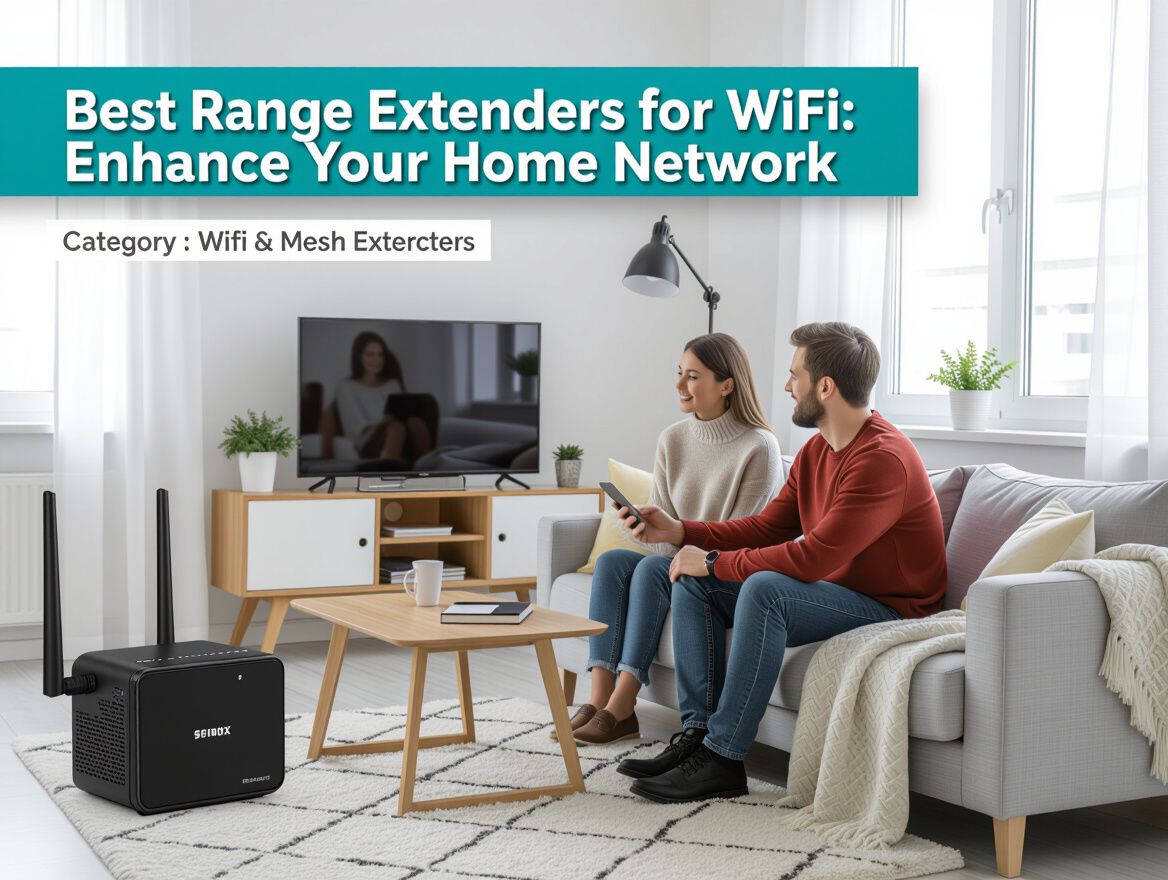
WiFi range extenders are devices designed to amplify and extend the coverage of your home network. They act as a bridge between your router and the areas of your home where the WiFi signal is weak or non-existent. By receiving the existing WiFi signal and rebroadcasting it, extenders help eliminate dead zones, ensuring a more reliable internet connection throughout your living space.
Common scenarios where range extenders can be particularly beneficial include:
- Large Homes: In multi-story or expansive homes, WiFi signals can struggle to reach certain rooms, especially if there are walls or floors obstructing the signal.
- Outdoor Areas: Extenders can help extend your network to patios, gardens, or garages where the router's signal may not reach effectively.
- Remote Workspaces: For those working from home, having a strong connection in a dedicated office or workspace is crucial for productivity.
WiFi extenders work by connecting to your existing router wirelessly or via an Ethernet cable. They pick up the router's signal and amplify it, allowing devices further from the router to connect without losing speed or reliability. However, it’s important to note that while they can significantly improve coverage, they may also introduce some latency or speed reduction, particularly if the extender is placed too far from the router. Understanding these dynamics is key to selecting the right extender for your specific needs and home layout.
Key Buying Criteria for WiFi Range Extenders
When selecting the best range extenders for WiFi, it's essential to evaluate several key features and specifications that align with your specific needs and home layout. Here’s a checklist to guide your decision-making process:
-
Compatibility with Existing Router: Ensure the extender is compatible with your current router's brand and technology (e.g., Wi-Fi 5, Wi-Fi 6). This will help maximize performance and reduce connectivity issues.
-
Speed Ratings (2.4GHz vs 5GHz): Understand the speed capabilities of the extender. The 2.4GHz band offers better range but lower speeds, while the 5GHz band provides faster speeds but shorter range. Choose based on the devices you use and the areas you need to cover.
-
Coverage Area and Range Capabilities: Assess the extender's coverage area to ensure it can effectively eliminate dead zones in your home. Look for specifications indicating the maximum range and consider your home's layout—walls, floors, and furniture can impact performance.
-
Price Considerations and Budget Options: Determine your budget for a range extender. There are options available across different price points, but balance cost with the features you need. Sometimes, spending a bit more can result in significantly better performance and longevity.
By carefully considering these criteria, you can find a WiFi range extender that fits your home network needs, enhancing your overall internet experience.
Understanding Trade-offs and Limitations
When considering the best range extenders for WiFi, it's crucial to be aware of their inherent trade-offs and limitations that can affect your home network's performance. While these devices aim to enhance WiFi coverage, they may not always deliver the expected results.
-
Impact on Speed and Latency: Range extenders often reduce the overall speed of your network. They can transmit data at lower rates than your primary router, especially if placed far from it. This can lead to increased latency, which may be noticeable during activities like gaming or video conferencing.
-
Potential Dead Zones: Despite the installation of a range extender, certain areas in your home may still experience weak signals. This is particularly true if the extender is not optimally placed or if there are significant barriers, such as walls or floors, that impede the signal.
-
Interference from Other Devices: WiFi signals can be disrupted by various electronic devices, including microwaves and cordless phones, as well as physical obstructions. Additionally, the presence of multiple WiFi networks in close proximity can lead to interference, further diminishing the extender's effectiveness.
Understanding these factors is essential in making an informed decision about whether a range extender is the right solution for your specific needs and home layout. Balancing the benefits against these limitations will help you optimize your WiFi experience.
Common Problems with WiFi Range Extenders
WiFi range extenders can significantly enhance your home network, but they come with a set of common challenges that users should be aware of before making a purchase. Understanding these issues can help you make an informed decision tailored to your specific needs and home layout.
Setup Difficulties and Troubleshooting
Many users encounter setup difficulties when integrating a range extender into their existing network. Common issues include:
- Network Compatibility: Ensure that the extender is compatible with your current router’s frequency bands (2.4 GHz and 5 GHz).
- Location Challenges: Finding an optimal placement for the extender can be tricky; it needs to be within range of your router while also reaching the areas in your home that lack coverage.
- Firmware Updates: Regular firmware updates are essential for maintaining performance and fixing bugs, but not all users are aware of this necessity.
Connectivity Drops and Inconsistent Performance
Even after successful installation, users may experience connectivity drops or inconsistent performance. Key factors contributing to these issues include:
- Distance from Router: The further the extender is from the router, the weaker the signal, which can lead to slower speeds and dropped connections.
- Interference: Other electronic devices and physical barriers (walls, floors) can interfere with the WiFi signal, leading to performance degradation.
- Bandwidth Limitations: Extenders can struggle to deliver the full potential of your internet plan, especially if multiple devices are connected simultaneously.
Performance Comparison Across Different Brands
Not all WiFi range extenders perform equally. Variability in performance can be observed among different brands, influenced by:
- Technology Standards: Devices supporting newer standards (like Wi-Fi 6) typically offer better speed and efficiency compared to older models.
- User Reviews and Ratings: Researching customer feedback can provide insights into the reliability and consistency of performance across brands.
- Price vs. Performance: Higher-priced models may offer advanced features and better performance, but budget options can still be effective for less demanding environments.
By acknowledging these common problems, you can better navigate your options and choose a range extender that aligns with your specific home network needs.
Frequently Asked Questions
When considering the best range extenders for WiFi, buyers often have several key questions that can help guide their purchasing decisions. Here are some of the most common inquiries:
What should I prioritize when choosing a range extender?
When selecting a range extender, consider the following criteria:
- Compatibility: Ensure that the extender is compatible with your existing router and supports the same WiFi standards (e.g., WiFi 5, WiFi 6).
- Coverage Area: Assess the range the extender can cover. Look for specifications that indicate the square footage it can effectively service.
- Speed Requirements: Match the extender’s speed capabilities with your internet plan. Some extenders may struggle to maintain high speeds over long distances.
- Ease of Setup: Look for models that offer user-friendly installation processes, such as mobile app support or WPS functionality.
How do I install and set up my range extender?
Setting up your range extender typically involves these steps:
- Placement: Position the extender midway between your router and the area with weak signal strength. Avoid physical obstructions like walls or appliances.
- Power On: Plug the extender into a power outlet and turn it on.
- Connection: Use the WPS button on both the router and extender for a quick connection, or connect via the extender’s web interface using a computer or smartphone.
- Configuration: Follow the setup wizard to configure network settings, ensuring it connects to your home WiFi network.
Can I use multiple extenders in my home?
Yes, you can use multiple range extenders to enhance WiFi coverage in larger homes or spaces with significant obstacles. However, consider the following:
- Performance Trade-offs: Each additional extender may introduce latency and reduce overall speed. It's important to strategically place them to minimize performance degradation.
- Network Management: Managing multiple extenders can complicate network settings. Ensure they are set up correctly to avoid interference and maintain a seamless connection.
- Compatibility: Ensure that all extenders are compatible with each other and your primary router to avoid connectivity issues.
By addressing these questions, you can make a more informed decision when selecting the best range extender for your specific needs and home layout.
Making the Right Choice
Choosing the best range extender for your WiFi needs involves understanding several key criteria that align with your specific situation. Here’s a recap to guide your decision-making process:
-
Coverage Area: Evaluate the size of your home and identify areas with weak signal strength. Consider whether you need coverage for a single room or multiple floors.
-
Internet Speed Requirements: Match the extender’s capabilities with your internet speed needs. If you stream videos or play online games, opt for extenders that support higher speeds and dual-band connections.
-
Device Compatibility: Ensure the extender is compatible with your existing router and devices. Some extenders may work better with specific brands or technologies (e.g., Wi-Fi 6).
-
Ease of Setup: Look for models that offer user-friendly installation processes, like mobile apps or WPS (Wi-Fi Protected Setup) buttons, which can simplify the connection process.
-
Placement Flexibility: Consider the placement of the extender. It should be positioned within a reasonable distance from the router to maintain a strong signal, yet close enough to the dead zones you aim to cover.
Matching the right extender to your needs is essential for optimizing your home WiFi network. Each home layout and usage scenario may lead to different requirements, so carefully assess your situation before making a choice.
In conclusion, enhancing your home WiFi coverage can significantly improve your online experience. By considering these criteria and understanding your specific needs, you can make an informed decision that balances performance, coverage, and cost.
More in Wifi Range Extenders
View All