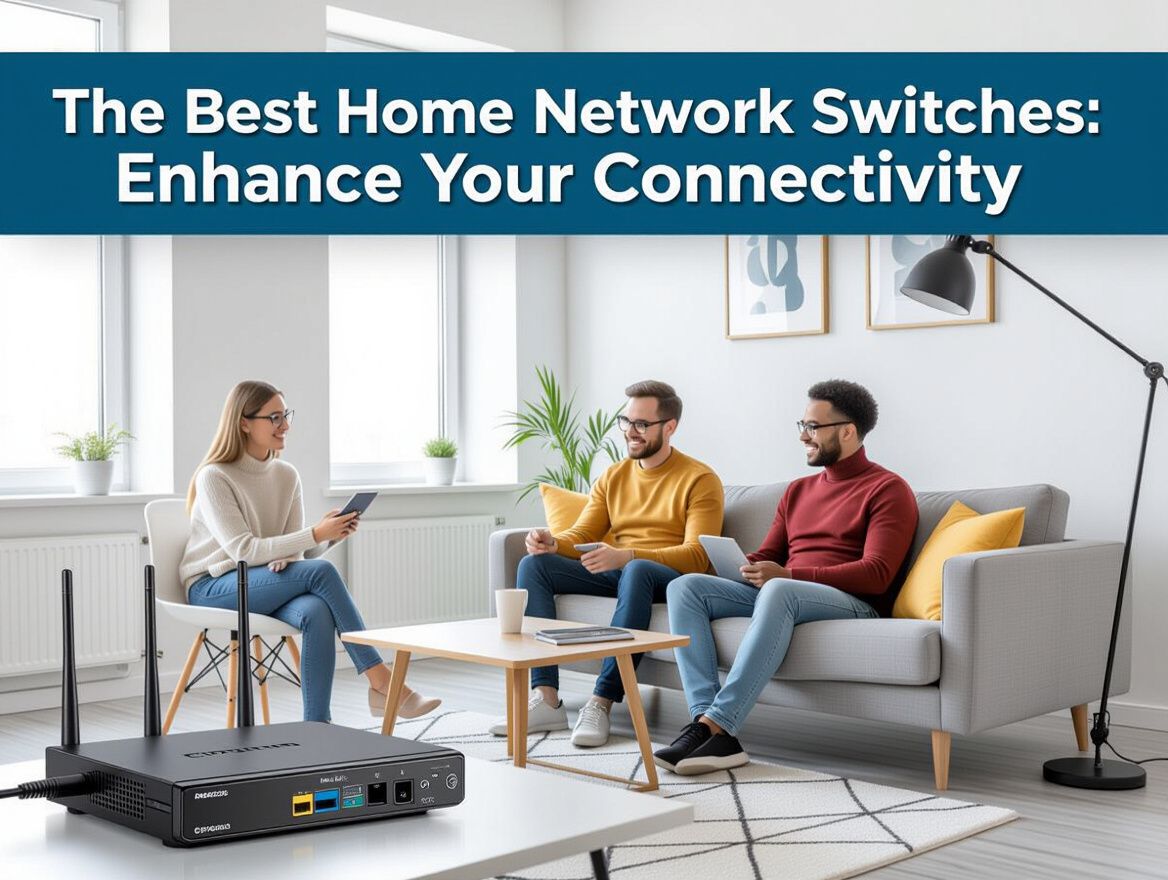
The Best Home Network Switches: Enhance Your Connectivity
Understanding Home Network Switches
Home network switches are essential devices that facilitate communication between multiple networked devices, such as computers, printers, and servers, within a local area network (LAN). They act as a central hub, enabling these devices to share resources and access the internet efficiently.
By connecting multiple devices through Ethernet cables, switches enhance connectivity and improve data transfer speeds compared to wireless connections. This is particularly beneficial in environments where high bandwidth is crucial, such as streaming, gaming, or large file transfers.
There are two main types of network switches to consider:
-
Unmanaged Switches: Simple plug-and-play devices that require no configuration. They are ideal for home users who need basic connectivity without complex management.
-
Managed Switches: Offer advanced features such as traffic management, monitoring, and security settings. These are better suited for small office setups where control over the network is necessary.
Understanding the differences between these types can help you choose the right switch based on your specific networking needs, whether for casual home use or more demanding office environments.
Key Buying Criteria for Home Network Switches
When selecting the best home network switch, it's essential to consider several key features that align with your specific connectivity needs. Here’s a checklist to guide your decision-making process:
-
Number of Ports: Determine how many devices you plan to connect. Common options include 5, 8, or even 24 ports. Assess your current and future needs to avoid running out of ports.
-
Managed vs. Unmanaged Switches: Managed switches offer advanced features like VLAN support and traffic monitoring, making them suitable for larger setups or users needing more control. In contrast, unmanaged switches are simpler and often more affordable, ideal for basic home networks.
-
Speed and Performance: Look for Gigabit switches if you need high-speed data transfer, especially for streaming or gaming. Fast Ethernet switches are sufficient for less demanding tasks but may limit performance in busy networks.
-
Power over Ethernet (PoE) Capabilities: If you plan to connect devices like IP cameras or VoIP phones, consider switches with PoE capabilities. This feature allows the switch to deliver power along with data, reducing the need for additional power adapters.
-
Brand Reliability and Warranty Options: Research brands known for dependable performance and customer support. A solid warranty can provide peace of mind and protect against defects or failures.
By evaluating these criteria, you can make a more informed choice that meets your home networking needs while minimizing potential issues.
Common Problems with Home Network Switches
When selecting a home network switch, it's crucial to be aware of potential pitfalls that can impact performance and reliability. Understanding these common issues can help you make a more informed decision and avoid future headaches.
-
Overheating Issues: Network switches can generate significant heat, especially when under heavy load. Poor ventilation or placement in confined spaces can exacerbate this problem, leading to performance degradation or even hardware failure. Regular monitoring of temperature and ensuring adequate airflow can mitigate these risks.
-
Firmware Update Challenges: Many switches require firmware updates to fix bugs, improve performance, or enhance security. However, some users may find it difficult to locate the correct firmware or navigate the update process. Neglecting updates can leave switches vulnerable to security issues and performance problems, making it essential to stay on top of maintenance.
-
Configuration Errors and Their Implications: Misconfigurations can lead to various network issues, such as connectivity drops or speed bottlenecks. This is particularly true for managed switches, which offer extensive customization options but also come with increased complexity. Familiarizing yourself with the switch's management interface and settings is vital to avoid these pitfalls.
-
Long-Term Reliability Concerns: The longevity of a network switch can be affected by factors such as build quality and usage patterns. Users often report hardware failures due to wear and tear over time. Investing in a switch from a reputable manufacturer with good customer support can help ensure long-term reliability and performance.
By being aware of these common problems, you can better evaluate your options and choose a home network switch that fits your needs while minimizing potential risks.
Understanding Trade-Offs in Network Switches
When selecting the best home network switch, it's essential to weigh the trade-offs between various features and functionalities. Your choice will largely depend on your specific needs, budget, and future scalability plans. Here’s a breakdown of key considerations:
Cost vs. Features
- Budget-Friendly Options: Unmanaged switches, like the TP-Link TL-SG108, typically offer basic connectivity at a lower price point, making them ideal for users who need simple plug-and-play functionality.
- Feature-Rich Choices: Managed switches provide advanced features such as VLAN support and traffic management, but they come at a higher cost. Assess whether the added capabilities align with your networking needs.
Ease of Use vs. Advanced Functionality
- User-Friendly Setup: For users looking for straightforward solutions, unmanaged switches require no configuration and can be set up quickly.
- Complex Management: If you require more control over your network, managed switches offer extensive configuration options. However, this may necessitate a learning curve and ongoing management.
Scalability vs. Immediate Needs
- Short-Term Solutions: If you're setting up a small network with a limited number of devices, a basic unmanaged switch may suffice.
- Long-Term Planning: If you anticipate future expansion, investing in a managed switch with more ports and advanced features can save you from needing to upgrade soon.
Potential Risks
- Overheating: Some switches may experience overheating, especially under heavy load. Look for models with adequate cooling features or consider placement in well-ventilated areas.
- Firmware Updates: Regular updates are crucial, especially for managed switches, to mitigate security vulnerabilities and improve performance.
By carefully considering these trade-offs and risks, you can make a more informed decision that aligns with your current needs and future aspirations in home networking.
Frequently Asked Questions About Home Network Switches
Understanding home network switches can be complex, especially when trying to choose the right one for your needs. Here are some common questions that can help clarify your decision-making process.
What are the advantages of using a managed switch?
Managed switches offer several benefits over unmanaged switches, particularly for users with advanced networking needs. Key advantages include:
- Traffic Management: Managed switches allow for VLAN configuration and traffic prioritization, which can enhance performance in busy networks.
- Monitoring and Control: They provide tools for monitoring network traffic and performance, enabling proactive management of issues.
- Security Features: With options for port security and access control lists, managed switches can enhance the security of your network.
How do I know how many ports I need?
Determining the number of ports depends on several factors:
- Device Count: Count all devices that will connect to the switch, including computers, printers, and smart home devices.
- Future Expansion: Consider potential future devices you may add. It’s often wise to choose a switch with a few extra ports to accommodate growth.
- Network Configuration: If you plan to segment your network with VLANs, you might require more ports than the number of devices currently in use.
Can I use multiple switches in one network?
Yes, using multiple switches in a single network is common and can be beneficial. Consider these points:
- Scalability: Adding switches allows for easy expansion without needing to replace existing equipment.
- Network Segmentation: You can separate different types of traffic or devices across switches to improve performance and management.
- Cabling Considerations: Ensure your cabling supports the distance and speed requirements for connecting multiple switches.
What is the difference between a switch and a router?
While both devices are crucial for network connectivity, they serve different purposes:
- Functionality: A switch connects devices within the same network (local area network), allowing them to communicate. A router connects different networks, directing data between them, such as your home network and the internet.
- Data Handling: Switches operate primarily at Layer 2 (Data Link Layer) of the OSI model, while routers operate at Layer 3 (Network Layer), managing IP addresses and routing data packets.
Understanding these aspects can help you make a more informed decision when selecting the best home network switch for your specific needs.
Making the Right Choice for Your Home Network
Selecting the best home network switch is crucial for optimizing your connectivity and ensuring a seamless networking experience. As you approach this decision, consider the following key criteria:
- Number of Ports: Assess how many devices you need to connect. A switch with more ports offers flexibility for future expansions.
- Speed Requirements: Evaluate your internet speed needs. Gigabit switches are ideal for high-speed connections, while standard switches may suffice for basic usage.
- Managed vs. Unmanaged: Decide if you require advanced features like VLAN support and traffic management (managed switches) or if a simple plug-and-play option (unmanaged switches) is sufficient.
It's essential to align your choice with your personal networking needs. For instance, a small home office may benefit from a managed switch to handle complex setups, while casual users might prefer the simplicity of an unmanaged switch.
Be mindful of common issues that can arise, such as overheating or outdated firmware, which can hinder performance. Regular updates and proper configuration can mitigate these risks, ensuring your network runs smoothly. By thoroughly evaluating your specific requirements and potential pitfalls, you can make a more informed decision that enhances your home network's efficiency.