USB to Ethernet Cables: Bridging the Gap for Better Connectivity
Understanding USB to Ethernet Cables
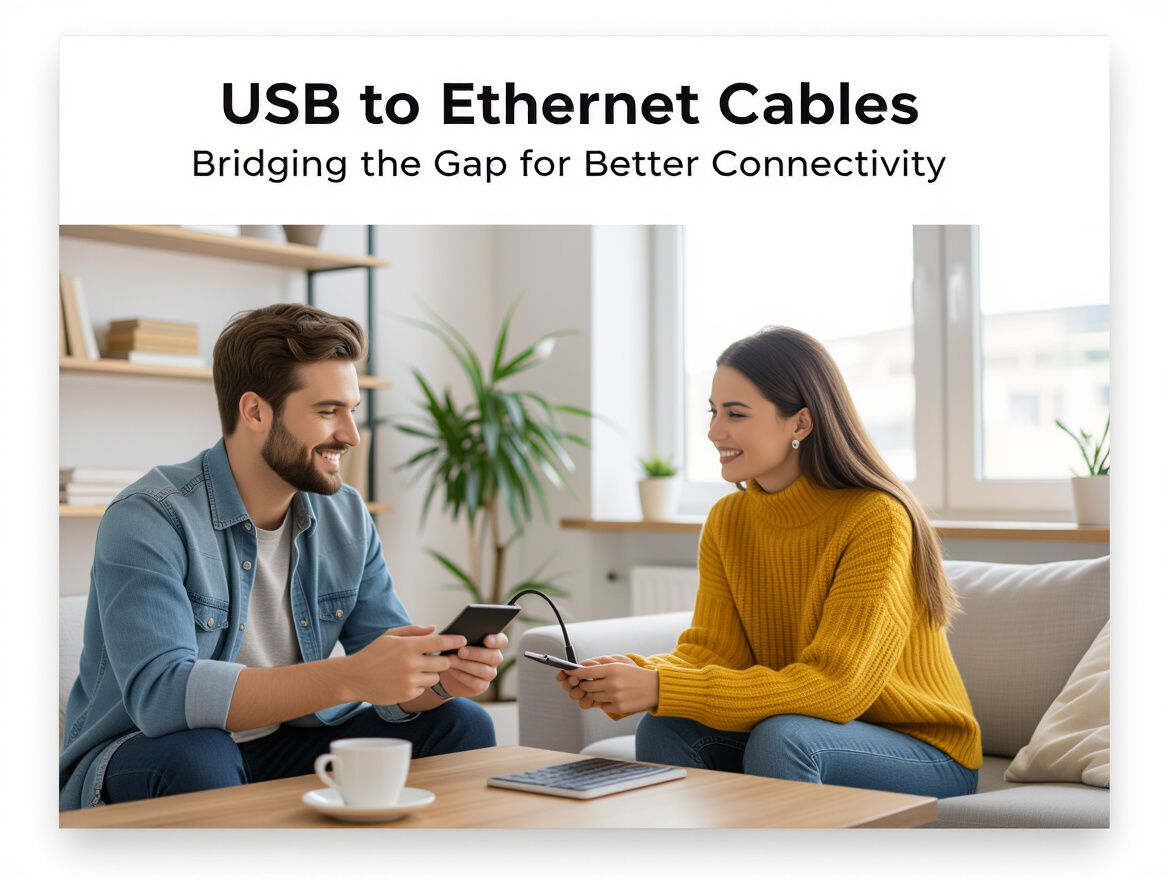
USB to Ethernet cables serve a crucial role in enhancing network connectivity, particularly for devices lacking built-in Ethernet ports. These cables convert USB signals into Ethernet, allowing for a stable and reliable wired connection where wireless options may falter.
Primary Use Cases:
- Laptops and Tablets: Many portable devices prioritize lightweight design over connectivity options. USB to Ethernet cables provide a simple solution for users needing a stable internet connection, especially in environments with poor Wi-Fi signals.
- Smart TVs and Game Consoles: For gaming or streaming, a wired connection often delivers lower latency and higher speeds compared to Wi-Fi, making these cables ideal for connecting devices that require robust internet access.
- Networking Equipment: These cables can also be used to connect various peripherals, such as printers and network-attached storage (NAS) devices, to a network, ensuring consistent performance.
By understanding the purpose and practical applications of USB to Ethernet cables, consumers can make informed decisions about their connectivity needs.
Key Benefits of Using USB to Ethernet Cables
USB to Ethernet cables provide a practical solution for enhancing connectivity, especially in environments where traditional Ethernet connections are limited or impractical. Here are the main advantages to consider:
-
Improved Speed and Reliability: USB to Ethernet cables can offer faster and more stable connections compared to standard Wi-Fi. This is particularly beneficial for activities requiring high bandwidth, such as streaming, gaming, and large file transfers, where consistent performance is crucial.
-
Ease of Installation and Use: These cables are generally plug-and-play, meaning they do not require complex configuration. Users can simply connect the USB end to their device and the Ethernet end to the network, making them accessible for those who may not be tech-savvy.
-
Compatibility with Various Devices: USB to Ethernet cables are versatile and compatible with a wide range of devices, including laptops, tablets, and gaming consoles. This adaptability makes them an excellent choice for users looking to enhance connectivity across multiple devices without needing different types of cables.
When weighing the benefits of USB to Ethernet cables, consider your specific connectivity needs, the devices you plan to use, and the environments in which you will be operating. Understanding these factors can help you make a more informed decision about whether this solution is right for you.
Essential Buying Criteria for USB to Ethernet Cables
When selecting a USB to Ethernet cable, several key features can significantly influence your connectivity experience. Here’s a checklist to help you evaluate options effectively:
-
Cable Length and Flexibility: Consider the distance between your device and the router or switch. Longer cables provide flexibility in positioning but may introduce signal degradation if excessively long. Aim for a length that meets your setup needs without unnecessary slack.
-
Data Transfer Speed Ratings: USB to Ethernet cables come with varying speed ratings, typically categorized by USB standards (e.g., USB 2.0 vs. USB 3.0) and Ethernet standards (e.g., Fast Ethernet vs. Gigabit Ethernet). Ensure that the cable supports the speeds necessary for your internet plan and usage requirements.
-
Build Quality and Durability: Look for cables with robust construction, such as reinforced connectors and high-quality materials. A durable cable can withstand wear and tear, especially in environments where cables may be frequently moved or repositioned.
-
Compatibility with Devices and Operating Systems: Check that the cable is compatible with your devices and the operating systems they run. Some cables may have specific driver requirements, particularly for older devices. Ensuring compatibility can prevent connectivity issues and maximize performance.
By considering these criteria, you can make a more informed decision and select a USB to Ethernet cable that enhances your network connectivity effectively.
Trade-offs and Limitations of USB to Ethernet Cables
While USB to Ethernet cables offer significant advantages for enhancing connectivity, there are important trade-offs and limitations to consider before making a purchase. Understanding these factors can help you make a more informed decision tailored to your specific needs.
Compatibility Issues
- Older Devices: Many older laptops and devices may not support USB to Ethernet connections due to outdated USB standards or lack of necessary drivers. Always check compatibility with your device's operating system and USB version.
- USB Ports: Some devices only have USB-C or USB 3.0 ports, which may require specific adapters or cables. Ensure that the cable you choose matches your device's port type.
Performance Limitations
- Speed Variability: The performance of USB to Ethernet cables can vary based on the USB standard in use. For instance, USB 2.0 connections may not provide the same speed benefits as USB 3.0 or USB-C, potentially bottlenecking your network speed.
- Environmental Factors: External conditions, such as interference from other devices or physical obstructions, can affect the reliability of the connection, similar to traditional Ethernet setups.
Additional Adapters
- Potential Need for Adapters: Depending on your device’s port configuration, you may need additional adapters, which can add complexity and cost to your setup. This can also lead to potential points of failure in the connection.
By weighing these trade-offs and limitations, you can better assess whether USB to Ethernet cables are the right solution for your connectivity challenges.
Determining the Right Fit for Your Needs
When considering USB to Ethernet cables, it's essential to evaluate your specific requirements and network setup to ensure you choose the right solution. Different use cases will influence the type of cable that best meets your needs, so understanding these factors is crucial.
Identifying Use Cases
- Gaming: For online gaming, a wired connection often provides lower latency and more stable speeds compared to Wi-Fi. If gaming is a primary use, look for cables that support higher data transfer rates.
- Streaming: Streaming services benefit from stable connections, especially when multiple devices are in use. A USB to Ethernet cable can help maintain quality during high-definition streaming sessions.
- General Use: For everyday tasks such as browsing and video conferencing, a USB to Ethernet cable can enhance connectivity, particularly in environments with weak wireless signals.
Evaluating Current Network Setup
Assessing your existing network can help determine if a USB to Ethernet cable is necessary. Consider the following:
- Device Compatibility: Ensure your devices support USB connections for Ethernet. Some may require specific drivers or adapters.
- Current Network Performance: If you experience frequent buffering or lag, a wired connection might be the solution. Analyze whether your current Wi-Fi setup suffices or if a more stable wired connection is warranted.
Considering Future-Proofing Options
As technology evolves, so do networking standards. When selecting a USB to Ethernet cable, consider:
- Speed Requirements: Opt for cables that support higher speeds (like USB 3.0 or above) to accommodate future devices and internet plans.
- Cable Quality: Invest in well-reviewed cables that offer durability and reliable performance, as these can save you from needing replacements in the near future.
By carefully evaluating these criteria, you can better understand how USB to Ethernet cables can enhance your connectivity and make a more informed purchasing decision.
Frequently Asked Questions About USB to Ethernet Cables
What problems do USB to Ethernet cables solve?
USB to Ethernet cables address the connectivity limitations of devices that do not have built-in Ethernet ports. They provide a wired connection option for laptops, tablets, and other peripherals, ensuring a stable internet connection in environments where Wi-Fi may be unreliable or slow. This is particularly beneficial for activities that demand high bandwidth, such as online gaming or streaming.
How do USB to Ethernet cables compare to traditional Ethernet cables?
While traditional Ethernet cables offer direct connections from network devices to routers or switches, USB to Ethernet cables serve as an adapter that allows devices without Ethernet ports to connect to wired networks. The main difference lies in their application:
- Flexibility: USB to Ethernet cables can connect to a wide range of devices, while traditional Ethernet cables are typically limited to devices with Ethernet ports.
- Portability: USB to Ethernet cables are often more portable, making them ideal for users who need to connect multiple devices on the go.
Are there specific brands or models recommended?
While specific product recommendations are not provided here, it is advisable to look for USB to Ethernet cables that are compatible with your devices and support the required data transfer speeds. Pay attention to factors such as:
- USB Version: Ensure compatibility with USB 2.0, 3.0, or higher for optimal performance.
- Ethernet Standards: Look for cables supporting at least Gigabit Ethernet for better speed and reliability.
- User Reviews: Consider user feedback to gauge performance and reliability of different brands.
By understanding these aspects, consumers can navigate the market more effectively and choose USB to Ethernet cables that best meet their needs.
Making the Right Choice for Enhanced Connectivity
When considering USB to Ethernet cables, it's essential to weigh the benefits against practical considerations to ensure you select the right solution for your connectivity needs. These cables can significantly enhance network performance, but understanding their limitations and features is key to making an informed decision.
Recap of Benefits:
- Stability and Speed: USB to Ethernet connections often provide more stable and faster internet access compared to wireless alternatives, particularly in areas with weak Wi-Fi signals.
- Versatility: They can be used across various devices, including laptops, game consoles, and smart TVs, making them a flexible choice for diverse networking needs.
- Ease of Use: Plug-and-play functionality allows for quick setup without complicated configurations.
Considerations to Keep in Mind:
- Compatibility: Ensure the cable is compatible with your device's USB version (USB 2.0, 3.0, etc.) to avoid performance bottlenecks.
- Length and Placement: Consider the length of the cable needed to connect your devices effectively without compromising placement or aesthetics.
- Data Transfer Rates: Different cables support varying data transfer rates; choose one that meets your speed requirements for tasks like gaming or streaming.
Encouragement to Evaluate Personal Needs:
Before making a purchase, assess your specific requirements. Consider factors such as the types of devices you will be connecting, the importance of speed and reliability in your usage scenarios, and how often you might need to move or replace the cable. By reflecting on these aspects, you can confidently choose a USB to Ethernet cable that fits your situation and enhances your connectivity experience.