The Best Network Switches for Home Use: Top Picks and Reviews
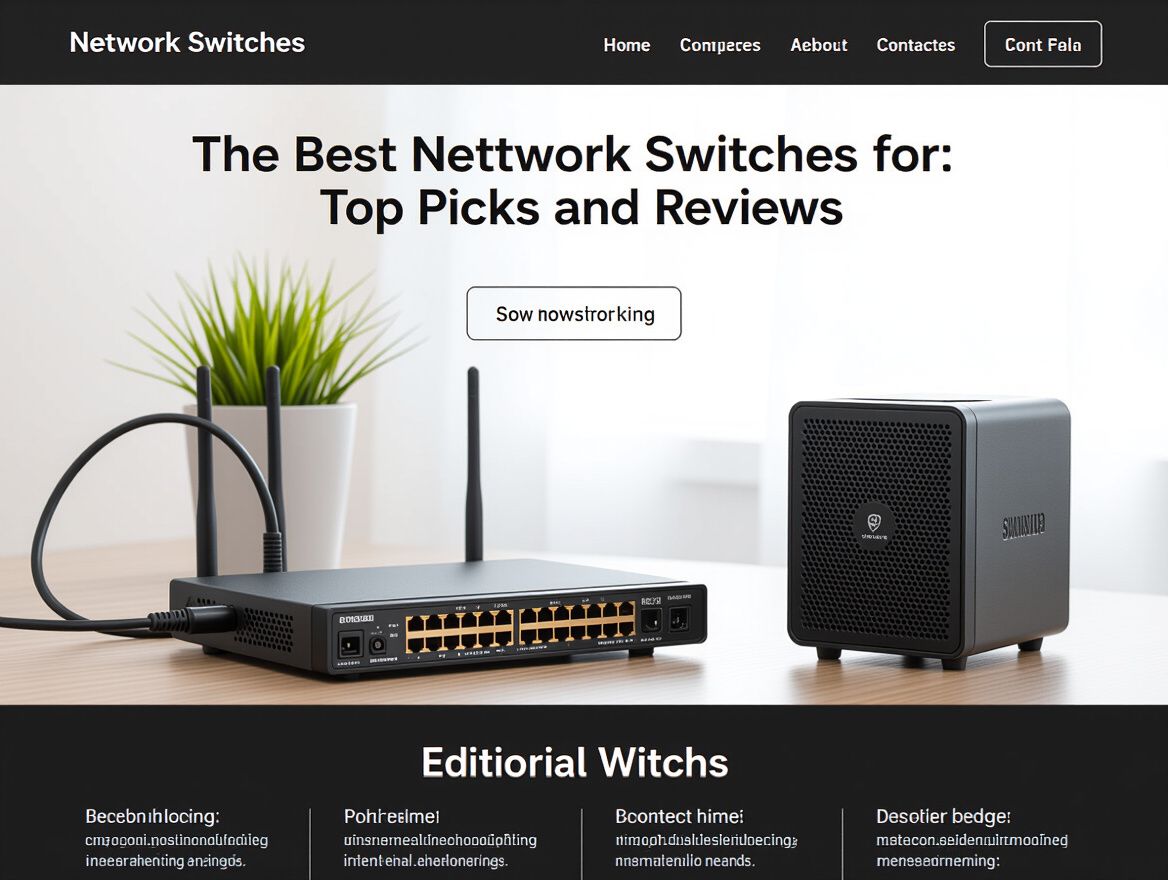
Understanding Network Switches and Their Importance
Network switches are essential devices that facilitate communication between multiple devices within a network, enabling seamless data transfer. They act as a central point for connecting various devices, such as computers, printers, and servers, allowing them to share resources efficiently. In both home and small business environments, network switches significantly enhance network performance by managing traffic and reducing congestion.
The importance of selecting the right network switch cannot be overstated. A suitable switch can improve connectivity, speed, and reliability, ensuring that all connected devices operate optimally. For home users, this means smoother streaming, faster downloads, and a more reliable internet experience. Small businesses benefit from increased productivity and improved collaboration among team members.
This article aims to guide you through the evaluation of the best network switches tailored to your specific needs. By comparing various models based on user requirements and technical specifications, you will be better equipped to make an informed decision that aligns with your networking goals.
Key Features to Consider When Choosing a Network Switch
Selecting the right network switch is crucial for optimizing your home or small business network. Here are essential features and specifications to evaluate when determining which network switch aligns best with your needs:
-
Number of Ports: Assess how many devices you plan to connect. Switches typically range from 5 to 48 ports. For home use, 5-16 ports are usually sufficient, while small businesses may require more for additional devices.
-
Speed (Gigabit Support): Look for switches that support Gigabit speeds (1000 Mbps) to ensure fast data transfer rates, especially if you stream high-definition content or transfer large files frequently.
-
Managed vs. Unmanaged Switches:
- Unmanaged switches are plug-and-play solutions suitable for simple networks without the need for configuration.
- Managed switches offer advanced features like VLAN support, traffic monitoring, and enhanced security settings, making them ideal for more complex networking environments.
-
Power over Ethernet (PoE) Capabilities: If you plan to power devices like IP cameras or VoIP phones directly through the switch, consider a PoE-enabled switch. This feature simplifies installation by reducing the number of power adapters needed.
-
Form Factor and Design Considerations: Evaluate the physical space where the switch will be placed. Options include rack-mounted, desktop, or wall-mounted designs. Ensure the switch's design fits your environment and provides adequate ventilation for heat dissipation.
By carefully considering these features, you can better match a network switch to your specific requirements, ensuring efficient network performance tailored to your home or business setup.
Comparing Different Types of Network Switches
When selecting the best network switch for home use, understanding the distinctions between managed, unmanaged, and smart switches is crucial. Each type serves different needs and comes with its own set of advantages and disadvantages.
Managed Switches
Pros:
- Offers greater control over network traffic with features like VLANs and QoS.
- Enables remote management and monitoring, making it suitable for larger networks.
Cons:
- Typically more expensive than unmanaged switches.
- Requires technical knowledge to configure and manage effectively.
Best Use Cases:
- Ideal for small businesses or tech-savvy home users needing advanced features and control over their network.
Unmanaged Switches
Pros:
- Plug-and-play setup with no configuration required.
- Generally more affordable, making them accessible for basic networking needs.
Cons:
- Lacks advanced features, limiting control over network traffic.
- Less suitable for larger networks or environments requiring fine-tuning.
Best Use Cases:
- Perfect for home users with simple networking needs, such as connecting multiple devices without the need for management.
Smart Switches
Pros:
- Bridges the gap between managed and unmanaged switches, offering some level of control while remaining user-friendly.
- Typically includes features like basic VLAN support and monitoring capabilities.
Cons:
- While more affordable than fully managed switches, they can still be pricier than unmanaged options.
- May not provide the full range of features needed for complex networks.
Best Use Cases:
- Suitable for home users looking for enhanced functionality without the complexity of a fully managed switch.
Cost Implications and Value
- Managed switches often represent a higher initial investment but can save costs in the long run through improved network efficiency and management.
- Unmanaged switches provide a cost-effective solution for users who don't require advanced features, making them a great entry point for basic networking.
- Smart switches offer a middle ground, providing useful features without the steep learning curve or cost associated with managed switches.
Understanding these differences helps buyers align their choice of network switch with their specific requirements, ensuring they select the most fitting solution for their home or small business networking needs.
Top Network Switches Reviewed
When selecting the best network switches for home use, it's essential to evaluate various models based on user needs and technical specifications. The following comparison highlights key features, user feedback, and price ranges that can help you make an informed decision.
Comparison Table of Features
| Model | Ports | Speed | Management Type | PoE Support | Price Range | |----------------------------|-------|----------------|------------------|-------------|----------------| | Cisco CBS350-8MGP-2X | 8 | 1 Gbps | Managed | Yes | $150 - $200 | | TP-Link TL-SG108 | 8 | 1 Gbps | Unmanaged | No | $30 - $50 | | Alta S8-POE | 8 | 1 Gbps | Managed | Yes | $80 - $120 | | Netgear GS308 | 8 | 1 Gbps | Unmanaged | No | $25 - $40 | | TRENDnet TPE-TG380 | 8 | 1 Gbps | Managed | Yes | $70 - $100 |
User Reviews and Feedback
- Cisco CBS350-8MGP-2X: Users appreciate its robust performance in managing multiple devices, particularly in home office setups. However, some find the configuration process complex for beginners.
- TP-Link TL-SG108: This model is often praised for its affordability and ease of use, making it a popular choice for simple home networks. Users note that it lacks advanced features but excels in reliability.
- Alta S8-POE: Buyers highlight its advanced features like VLAN support, making it suitable for small businesses. However, some users mention that the price is slightly higher than basic unmanaged switches.
- Netgear GS308: Customers find this switch to be an excellent budget option, ideal for casual users who need straightforward connectivity without management features.
- TRENDnet TPE-TG380: Users commend its PoE capabilities, which are beneficial for powering devices like IP cameras. Some feedback indicates that it can be overkill for very small setups.
Price Range and Availability
Network switches are available across a wide price spectrum, typically ranging from $25 for basic unmanaged switches to over $200 for advanced managed models. Availability can vary based on retailer stock, so it’s advisable to check multiple sources for the best deals.
Key Considerations
- User Needs: Assess whether you need a managed or unmanaged switch based on your networking level. Managed switches offer more control but are often more complex.
- Future Scalability: Consider your current and future needs. If you plan to expand your network, investing in a switch with more ports and features may be worthwhile.
- Power over Ethernet (PoE): If you plan to connect devices that require power through the Ethernet cable, ensure the switch supports PoE.
By understanding these criteria and comparing user feedback, you can better align your choice with your specific networking requirements.
Common Pitfalls When Buying Network Switches
When selecting the best network switches for home or small business use, buyers often encounter several pitfalls that can lead to dissatisfaction or wasted resources. Understanding these risks can help ensure that you choose a switch that aligns with your specific needs.
-
Overpaying for Unnecessary Features: Many network switches come with advanced features that may not be necessary for a home user or a small office. For instance, managed switches offer extensive configurability that might be excessive if you only need basic connectivity. Evaluate what features are essential versus those that are merely attractive add-ons.
-
Incompatibility with Existing Network Hardware: Before purchasing, it's crucial to ensure that the new switch is compatible with your existing network devices. Consider factors such as port types (e.g., Ethernet, fiber), speed capabilities (e.g., Gigabit vs. Fast Ethernet), and any specific protocols your equipment may require. Incompatibilities can lead to additional costs and complications.
-
Misunderstanding Technical Specifications: Network switches are often marketed with technical jargon that can be confusing. Terms like throughput, latency, and power over Ethernet (PoE) can be misleading. It’s important to understand how these specifications impact your networking needs. For example, a switch with higher throughput may be necessary for environments with heavy data traffic, while a lower-spec model could suffice for casual browsing or streaming.
By being aware of these common pitfalls, you can make a more informed decision when selecting the best network switches, ensuring that your investment meets your actual needs without unnecessary complications or costs.
Frequently Asked Questions About Network Switches
Understanding network switches can be complex, especially for home users and small business owners. Here are some common questions that can help clarify your concerns when selecting the best network switch for your needs.
What is the difference between a switch and a router?
A network switch and a router serve different purposes within a network. A switch connects multiple devices within the same local area network (LAN), allowing them to communicate with each other by forwarding data to the appropriate device based on its MAC address. In contrast, a router connects different networks, such as your home network to the internet, and routes data between them based on IP addresses. Essentially, switches manage internal traffic, while routers manage external traffic.
How do I know if I need a managed or unmanaged switch?
The choice between a managed and unmanaged switch depends on your specific networking needs:
- Unmanaged Switch: These are plug-and-play devices that require no configuration. They are suitable for simple networks where basic connectivity is needed, such as a home environment with a few devices.
- Managed Switch: These offer advanced features, such as VLAN support, traffic prioritization, and remote management capabilities. They are ideal for small businesses or users with complex networking needs, where control over traffic and enhanced security are important.
Assess your current and future networking requirements to determine which type best fits your situation.
Can I use multiple switches in my network?
Yes, using multiple switches in your network is not only possible but often necessary for larger setups. If your network has more devices than a single switch can support, you can connect additional switches to expand your network. However, consider the following:
- Performance: Ensure that the switches you choose can handle the data traffic without creating bottlenecks.
- Configuration: If using managed switches, proper configuration is essential to maintain network efficiency and security.
- Cabling: Adequate cabling and layout are crucial to prevent potential signal loss or interference.
By understanding these fundamentals, you can make a more informed decision when selecting the best network switch for your home or small business.
Making the Right Choice for Your Network Needs
Choosing the best network switch is crucial for optimizing your home or small business network. The right switch not only enhances connectivity and speeds but also ensures a reliable experience across all connected devices. As you evaluate your options, consider the following key factors:
-
User Requirements: Assess how many devices you plan to connect and what types of activities they will be used for (e.g., gaming, streaming, file sharing). This will help you determine the number of ports and the required speed.
-
Technical Specifications: Look for features such as managed versus unmanaged switches, port speed (e.g., Gigabit vs. Fast Ethernet), and Power over Ethernet (PoE) capabilities if you plan to power devices directly through the switch.
-
Budget Considerations: Network switches come in a range of price points. Determine your budget and balance it against the features you need. Higher-end switches may offer advanced features but may not be necessary for basic home use.
-
Future Scalability: Consider whether your networking needs might grow in the future. If you anticipate adding more devices or requiring higher speeds, invest in a switch that can accommodate those changes.
-
Trade-offs and Risks: Be aware of potential trade-offs. For instance, unmanaged switches are generally simpler and cheaper but lack the configurability of managed switches. Also, ensure that the switch you choose has a good reputation for reliability and support.
In summary, the evolving nature of home networking means that selecting the right switch requires careful consideration of your specific needs and budget. By weighing these factors, you can make an informed decision that supports a robust and efficient network now and in the future.