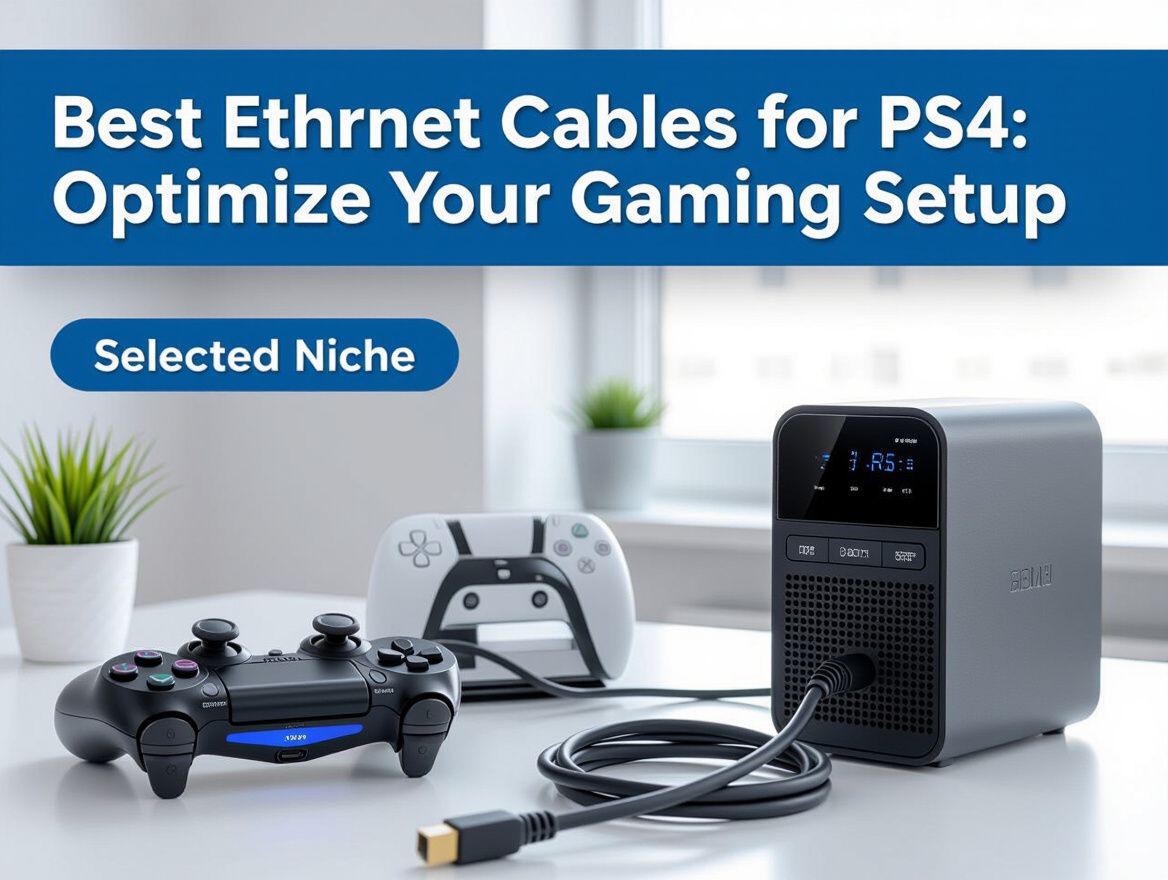
Best Ethernet Cables for PS4: Optimize Your Gaming Setup
Understanding the Importance of Ethernet Cables for PS4
For PS4 gamers, a stable and reliable internet connection is essential for an optimal gaming experience. Ethernet cables offer a significant advantage over Wi-Fi by providing consistent speeds and lower latency, which can be critical during intense gaming sessions. Unlike wireless connections, which can suffer from interference and signal degradation, wired connections ensure that your gaming data is transmitted smoothly and efficiently.
Why Ethernet Cables Are Superior for Gaming
- Stable Connection: Ethernet cables minimize packet loss and lag, which can severely affect gameplay, especially in competitive environments.
- Consistent Speed: With dedicated bandwidth, Ethernet cables can maintain high speeds regardless of the distance to the router, unlike Wi-Fi, which may fluctuate due to obstacles or distance.
- Reduced Interference: Wired connections eliminate issues related to signal interference from other devices, ensuring a clearer and more stable connection.
Investing in a quality Ethernet cable can greatly enhance your PS4 online gaming experience, allowing you to fully enjoy the fast-paced action without interruptions. Understanding these advantages can help you make an informed decision when selecting the right cable for your setup.
Key Criteria for Choosing Ethernet Cables
When selecting the best Ethernet cables for your PS4, several essential factors can significantly impact your gaming experience. Understanding these criteria will help ensure you choose a cable that meets your performance needs and budget.
-
Cable Category: Ethernet cables are categorized by their specifications, with Cat5e, Cat6, and Cat7 being popular choices for gaming.
- Cat5e: Suitable for speeds up to 1 Gbps, often sufficient for standard gaming.
- Cat6: Supports speeds up to 10 Gbps over shorter distances, providing better performance for more demanding online gaming.
- Cat7: Offers enhanced shielding and even higher speeds, though it may be more than necessary for PS4 users.
-
Length and Compatibility: Choose a cable length that fits your setup while ensuring it maintains signal quality.
- Consider how far your PS4 is from your router or switch; longer cables can experience signal degradation, particularly if exceeding 100 meters.
- Ensure the cable is compatible with your existing network equipment.
-
Shielding and Durability: Look for cables with adequate shielding to prevent interference, especially if you are in an environment with many electronic devices.
- Unshielded Twisted Pair (UTP): Generally sufficient for home use.
- Shielded Twisted Pair (STP): Provides better protection against interference, ideal for setups with multiple devices.
By evaluating these criteria, you can make an informed choice that enhances your PS4 gaming experience while balancing performance and cost.
Performance Analysis of Different Ethernet Cables
When selecting Ethernet cables for your PS4, understanding performance metrics is crucial to optimizing your gaming experience. Here, we delve into speed ratings, latency considerations, and what you can realistically expect from different cable types.
Speed Ratings and Their Impact on Gaming
Ethernet cables are categorized primarily by their speed capabilities, which are critical for online gaming. Common categories include:
- Cat5e: Supports speeds up to 1 Gbps, sufficient for most gaming needs.
- Cat6: Handles up to 10 Gbps over short distances, offering better performance in high-traffic environments.
- Cat6a: Similar to Cat6 but with improved shielding, allowing for longer distances without loss of speed.
- Cat7: Designed for high-speed applications, capable of 10 Gbps and beyond, with enhanced shielding against interference.
Choosing a cable that matches your internet speed is vital; using a lower-rated cable than your connection can bottleneck performance.
Latency Considerations
Latency, or the delay before data transfer begins following an instruction, can significantly impact online gaming. While Ethernet cables generally provide lower latency than Wi-Fi, the type of cable can still make a difference:
- Shielding: Cables with better shielding (like Cat6a and Cat7) can reduce interference, potentially lowering latency.
- Length: Longer cables may introduce more latency, so it's best to select a length that meets your needs without excess.
Real-World Performance Expectations
While specifications provide a guideline, real-world performance can vary based on several factors:
- Network Equipment: Your router and modem capabilities can limit the effectiveness of a high-speed cable.
- Environmental Factors: Electrical interference from other devices can affect performance, particularly in densely packed setups.
- Usage Patterns: Multiple connected devices can impact bandwidth availability, so consider your overall network usage when selecting a cable.
In conclusion, when selecting Ethernet cables for your PS4, weigh the speed ratings against your gaming needs, consider the impact of latency, and understand how real-world conditions may affect performance. These criteria will help you make an informed decision for an optimal gaming setup.
Trade-offs and Limitations of Ethernet Cables
When optimizing your PS4 gaming setup with Ethernet cables, it’s essential to understand the potential drawbacks and limitations involved. These considerations can significantly impact your choice and overall gaming experience.
-
Cost vs. Performance Trade-offs: Higher-quality Ethernet cables, such as Cat6 or Cat7, often come with increased costs. While they offer better performance and reduced latency, budget-conscious gamers may find that lower categories, like Cat5e, suffice for their needs. Balancing cost and performance is crucial—ensure you assess your gaming habits to determine if the investment is justified.
-
Installation Challenges: Depending on your setup, installing Ethernet cables can present challenges. Long runs of cable may require additional tools for proper routing, and ensuring a clean installation can be time-consuming. If you are not comfortable with DIY installations, consider seeking professional help, which may further increase costs.
-
Compatibility Issues with Older PS4 Models: While most Ethernet cables are designed to be backward compatible, older PS4 models might not fully utilize the capabilities of newer cable categories. For instance, a Cat7 cable may not yield significant improvements over a Cat5e when connected to an older PS4, as the console's network interface may limit performance. Check your console's specifications to avoid overspending on cables that won’t enhance your gaming experience.
Understanding these trade-offs can help you make an informed decision that aligns with your gaming needs and budget.
Determining the Right Fit for Your Setup
When selecting Ethernet cables for your PS4, understanding your specific gaming needs and environment is crucial. Here’s how to assess your requirements to find the best fit.
Assessing Gaming Habits and Online Requirements
- Type of Games Played: If you're into competitive online gaming, lower latency and higher speeds are essential. For casual gaming, standard performance may suffice.
- Number of Devices: Consider how many devices will share your network. More devices can lead to congestion, so a higher-quality cable may be needed to maintain performance.
Measuring the Right Cable Length for Your Setup
- Distance from Router to Console: Measure the distance between your router and your PS4. Ensure you account for any obstacles or routing around furniture.
- Extra Length Considerations: It’s wise to add a few extra feet to your measurement to avoid tension on the cable and allow for flexible placement.
Identifying the Best Cable Type Based on Gaming Environment
-
Cable Categories:
- Cat5e: Suitable for most gaming needs, but may struggle with very high speeds.
- Cat6: Offers better performance for high-speed internet and is ideal for competitive gaming.
- Cat6a or Cat7: Best for future-proofing your setup, especially if you plan to upgrade your internet speed.
-
Environment Factors:
- Interference: If you're in a crowded area with many electronic devices, opt for cables with better shielding to reduce signal interference.
- Flexibility and Durability: If your setup requires frequent relocation, consider cables that are more flexible and durable to withstand wear and tear.
By carefully evaluating these aspects, you can make an informed decision on the right Ethernet cable for your PS4 gaming setup, ensuring optimal performance tailored to your gaming habits and environment.
Frequently Asked Questions About Ethernet Cables for PS4
When optimizing your gaming setup with Ethernet cables for PS4, it’s essential to address common questions that can impact your decision-making process.
What is the difference between Cat5e and Cat6 cables?
Cat5e and Cat6 cables differ primarily in their performance capabilities. Cat5e cables support speeds up to 1 Gbps and are suitable for most online gaming needs. In contrast, Cat6 cables can handle speeds up to 10 Gbps, providing better performance, especially in environments with higher data demands. If you're looking for future-proofing or plan to use your PS4 for more intense gaming or streaming, opting for Cat6 may be beneficial.
How can I determine if my Ethernet cable is faulty?
To check if your Ethernet cable is faulty, look for the following signs:
- Connection Issues: Frequent disconnections or slow speeds can indicate problems.
- Physical Damage: Inspect the cable for frays, cuts, or kinks.
- Testing with Another Device: If possible, connect the cable to a different device to see if the problem persists. This can help isolate whether the issue lies with the cable or the device itself.
Do I need a special Ethernet cable for PS4?
No special Ethernet cables are required specifically for the PS4. However, using a high-quality cable that meets or exceeds Cat5e specifications is recommended for optimal performance. The choice of cable can affect your gaming experience, especially in terms of speed and stability, which are crucial for online gaming. Consider your internet speed and gaming habits when selecting the appropriate cable for your setup.
Making Your Final Decision
Selecting the right Ethernet cable for your PS4 is crucial in optimizing your gaming experience. The performance of your gaming setup can be significantly affected by the cable you choose, influencing everything from connection stability to download speeds. Here are some key considerations as you finalize your decision:
-
Assess Your Gaming Needs: Reflect on how you use your PS4. Are you primarily playing online games that require low latency, or do you often download large files? Understanding your usage can help you prioritize features like speed and shielding.
-
Evaluate Compatibility: Ensure that the Ethernet cable you select is compatible with your existing network setup. This includes checking the specifications of your router and any other networking equipment.
-
Consider Future-Proofing: If you plan to upgrade your gaming console or network equipment in the near future, investing in a higher-category cable (like Cat6 or Cat7) might be a wise choice. This can save you from needing to purchase a new cable soon after your upgrade.
-
Budget vs. Performance: Higher-category cables typically offer better performance but come at a higher price. Weigh the benefits against your budget constraints to find a balance that works for you.
By carefully evaluating these aspects, you can make a more informed choice that not only enhances your current gaming experience but also prepares you for future advancements in gaming technology.