Are WiFi Range Extenders Worth It? A Comprehensive Analysis
Understanding WiFi Range Extenders
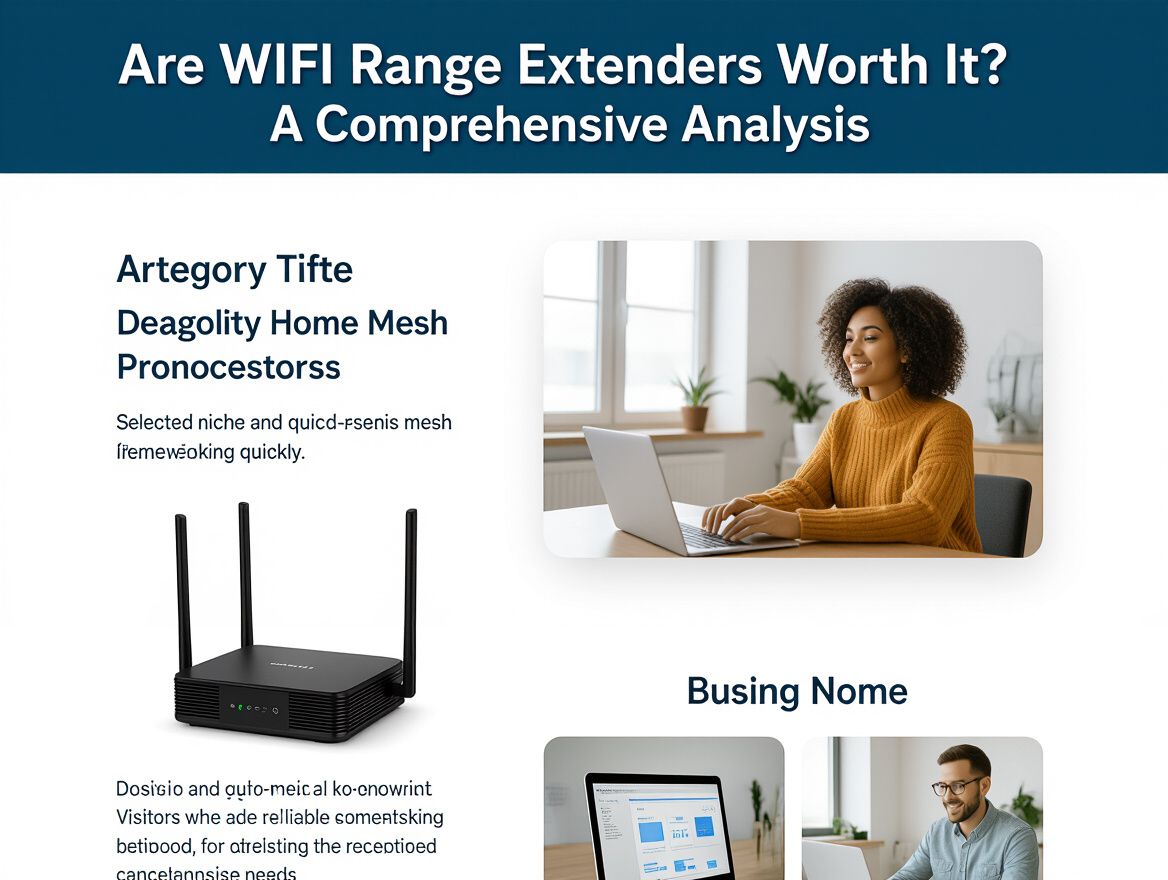
WiFi range extenders are devices designed to enhance the coverage of your wireless network by receiving the existing WiFi signal from your router and amplifying it to reach areas that may have weak or no signal. They work by creating a secondary network, which can sometimes lead to reduced speeds and increased latency compared to a direct connection to the router.
Common Scenarios for Use
- Large Homes: In multi-story or expansive homes, WiFi extenders can help eliminate dead zones where the signal is weak.
- Remote Areas: If your router is located far from certain rooms or outdoor spaces, a range extender can bridge that gap.
- Temporary Solutions: They can be a cost-effective short-term solution while considering more comprehensive network upgrades, like mesh systems.
While effective in certain situations, it’s crucial to weigh the potential drawbacks of using a range extender, such as speed reduction and the complexity of managing multiple networks. Understanding these factors can guide you in deciding whether a WiFi range extender is the right choice for your connectivity needs or if you should explore alternatives, such as mesh networking systems or repositioning your router for optimal coverage.
The Pros and Cons of Using WiFi Range Extenders
WiFi range extenders can be a practical solution for improving connectivity in areas of your home where the signal is weak or nonexistent. However, understanding their advantages and disadvantages is crucial for making an informed decision.
Advantages
- Cost-Effective: WiFi range extenders are generally less expensive than upgrading to a full mesh network system. Many models are available for under $100, making them a budget-friendly option for enhancing your WiFi coverage.
- Ease of Installation: Most extenders are straightforward to set up, often requiring just a few minutes to connect to your existing network. This simplicity appeals to users who want a quick fix without complicated configurations.
- Targeted Coverage: They can effectively eliminate dead zones in specific areas of your home, allowing for better connectivity in rooms that previously struggled with signal strength.
Disadvantages
- Speed Reduction: One significant drawback of using a WiFi extender is the potential for reduced speeds. Extenders often halve the bandwidth available to devices connected through them, which can lead to slower internet performance, especially during high-demand activities like streaming or gaming.
- Separate Networks: Many extenders create a distinct network, which can complicate connectivity. Users may need to switch between networks as they move around their homes, leading to a less seamless experience compared to mesh systems that provide continuous coverage.
- Limited Range: While extenders can help with specific dead zones, they may not cover larger areas as effectively as a mesh system. If your home is particularly large or has multiple floors, you might find that extenders alone are insufficient.
In summary, while WiFi range extenders can offer a cost-effective and simple solution for improving internet coverage, their limitations in speed and network management might prompt you to consider alternative options, such as mesh systems or repositioning your router.
WiFi Range Extenders vs. Mesh Systems
When considering how to enhance your home WiFi coverage, it's essential to evaluate the differences between WiFi range extenders and mesh networking systems. Each option has its unique advantages and drawbacks that can significantly impact performance and user experience.
Key Differences in Performance and Coverage
- Signal Quality: WiFi range extenders can amplify signals but often reduce bandwidth by up to 50%, leading to slower speeds in extended areas. In contrast, mesh systems provide more consistent speeds across larger areas by using multiple nodes that communicate seamlessly.
- Network Management: Range extenders typically create a separate network, which can complicate device connections. Mesh systems operate on a single network, allowing for easier device management and seamless roaming as you move throughout your home.
Cost Considerations and Installation Complexity
- Initial Investment: WiFi range extenders are generally less expensive, with many models priced under $100. However, high-quality extenders can approach the cost of entry-level mesh systems, which offer better performance.
- Installation: Setting up a range extender is usually straightforward, requiring minimal configuration. Mesh systems, while typically user-friendly, may involve a more complex installation process, including placing multiple nodes strategically around your home for optimal coverage.
Trade-offs and Fit
- Use Case Fit: If you have a small home or specific dead zones, a range extender might suffice. However, for larger homes or multiple levels, a mesh system is often more effective.
- Future-Proofing: Investing in a mesh system could be more beneficial long-term, especially as more devices connect to your network. This setup is likely to better handle increased demands on bandwidth and connectivity.
Understanding these differences can help you decide whether a WiFi range extender or a mesh system aligns better with your connectivity needs and budget.
Key Factors to Consider Before Buying
When evaluating whether WiFi range extenders are worth the investment, consider the following criteria to ensure they meet your specific needs:
-
Coverage Area and Signal Strength Requirements: Assess the size of your home and the specific areas where you experience connectivity issues. WiFi extenders can improve coverage in dead zones but may not be effective for larger spaces or multiple floors. Determine if the extender can reach the areas you need without significant signal loss.
-
Compatibility with Existing Network Equipment: Ensure that the range extender is compatible with your current router and network standards (e.g., Wi-Fi 5, Wi-Fi 6). Some extenders may not perform well with older routers or might require specific configurations that could complicate setup.
-
Budget Considerations and Value for Money: While you may find budget-friendly extenders, they often come with limitations, such as reduced speed and coverage. Higher-quality models can be more expensive, so weigh the potential benefits against the cost. Consider if investing in a more robust solution, like a mesh network, might offer better long-term value.
By carefully evaluating these factors, you can make a more informed decision about whether a WiFi range extender is the right choice for enhancing your home connectivity.
Potential Risks and Limitations
While WiFi range extenders can provide a solution for improving connectivity in hard-to-reach areas, they come with several risks and limitations that consumers should consider before making a purchase.
-
Impact on Network Speed and Latency: One significant drawback of using a range extender is the potential reduction in network speed. When a range extender amplifies the WiFi signal, it can effectively halve the available bandwidth, leading to slower internet speeds. Additionally, the introduction of a secondary network can increase latency, which may affect activities like online gaming or video conferencing where a stable connection is crucial.
-
Placement Challenges: Finding the optimal location for a WiFi extender can be challenging. Since most extenders plug directly into wall outlets, their placement is limited to areas with existing power outlets, which may not always be ideal for maximizing coverage. Poor placement can result in weak signals or connectivity issues, negating the benefits of the extender altogether.
-
Multiple Networks to Manage: Using a range extender often creates a separate network, which can complicate connectivity. Devices may struggle to switch between the router and extender, leading to inconsistent performance. This can be especially frustrating in households with multiple devices that require seamless connectivity.
Understanding these risks can help you make a more informed decision about whether a WiFi range extender is the best solution for your connectivity issues or if alternative options, such as mesh networking systems or repositioning your existing router, might be more effective.
Frequently Asked Questions
When considering whether WiFi range extenders are worth the investment, consumers often have specific questions that can guide their decision-making. Here are some common inquiries and their answers:
When should I consider a WiFi range extender?
WiFi range extenders can be beneficial in several scenarios:
- Dead Zones: If you experience areas in your home where the WiFi signal is weak or nonexistent, a range extender can help fill those gaps.
- Large or Multi-Story Homes: In larger homes, especially those with multiple floors, extenders can assist in distributing the signal more evenly.
- Temporary Solutions: If you are not ready to invest in a full mesh system, extenders can provide a more affordable interim solution to improve coverage.
Can a WiFi range extender replace my router?
While a WiFi range extender can enhance your existing network, it is not a substitute for a router. Extenders work by amplifying the existing signal, which can lead to:
- Reduced Speeds: Extenders may halve the connection speed because they communicate with both the router and your devices.
- Separate Networks: Many extenders create a new network with a different name, which can complicate connectivity as devices switch back and forth.
For seamless coverage and performance, consider alternatives like mesh systems if you require a more robust solution.
How do I troubleshoot issues with my extender?
If you encounter problems with your WiFi extender, consider these troubleshooting steps:
- Placement: Ensure the extender is located within a reasonable distance from the router to receive a strong signal. Avoid placing it in areas with physical obstructions.
- Network Congestion: Check if too many devices are connected, as this can affect performance. Disconnect any unnecessary devices.
- Firmware Updates: Regularly update the extender’s firmware to ensure optimal performance and security.
- Resetting the Device: If issues persist, consider resetting the extender to factory settings and reconfiguring it.
Understanding these factors can help you make an informed decision on whether to invest in a WiFi range extender or explore other connectivity solutions.
Final Thoughts on WiFi Range Extenders
In evaluating whether WiFi range extenders are worth the investment, it's clear that they can effectively enhance coverage in specific scenarios, particularly in larger homes or areas with challenging layouts. However, potential users must consider several key factors before making a decision:
-
Speed Reduction: While extenders can boost coverage, they often result in reduced speeds due to the nature of how they operate. This can be particularly noticeable in bandwidth-intensive activities like streaming or gaming.
-
Network Complexity: Using a range extender may create a secondary network, complicating connectivity. Users must switch between networks, which can lead to confusion and connectivity issues.
-
Cost vs. Alternatives: With many extenders priced around $100 or more, it's essential to weigh this cost against alternatives like mesh networking systems, which may provide better performance and ease of use for similar or slightly higher investments.
When considering a WiFi range extender, reflect on your specific needs, including the size of your home, the types of devices you use, and your internet usage habits. This thoughtful approach will help you determine if a range extender meets your needs or if exploring options like mesh systems or router repositioning might offer a more effective solution.


More in Wifi Range Extenders
View All